
SolidWorks Training in Gurgaon
 13000
Ratings


- Join the SolidWorks Training in Gurgaon to develop expertise in mechanical product development.
- Learn essential SolidWorks concepts, including 3D modeling, assembly design, and engineering drawings.
- Gain practical experience through part modeling, product design, simulation, and real-time projects.
- Suitable for students, freshers, mechanical engineers, CAD designers, and working professionals.
- Choose from Flexible Batch Timings with weekday, weekend, and fast-track training options.
- Prepare for CAD designer and mechanical design roles with Career Guidance, and interview support.
Course Duration
45+ HrsLive Project
3 ProjectCertification Pass
GuaranteedTraining Format
Live Online (Expert Trainers)Quality Training With Affordable Fee
 Fees Starts From

10997+
Professionals Trained
9+
Batches every month
2048+
Placed Students
213+
Corporate ServedWhat You'll Learn
Understand SolidWorks fundamentals, user interface, sketching tools, geometric constraints, dimensions, and 2D drawing techniques.
Learn 3D part modeling, extrude, revolve, sweep, loft, fillet, chamfer, and advanced feature-based modeling techniques.
Explore assembly design, component placement, mates, motion studies, interference detection, and product assembly management.
Develop skills in engineering drawings, section views, dimensioning, annotations, sheet metal design, and detailing techniques.
Gain practical knowledge of SolidWorks Simulation, stress analysis, material properties, design validation, and product performance testing.
Practice product modeling, assembly creation, design modifications, rendering, and mechanical component development through real-time projects.
SolidWorks Course Objectives
- Mechanical Design Engineer
- Product Development Engineer
- CAD Design Specialist
- Manufacturing Design Engineer
- Tool Design Engineer
- Sheet Metal Design Engineer
- 3D CAD Modeler
- Mechanical Drafting Specialist
- Sketching and Geometric Relations
- 3D Part Modeling
- Assembly Design and Mates
- Engineering Drawing Creation
- Sheet Metal Development
- Weldment Design
- Surface Modeling
- Design Modification and Validation
- Strengthen 3D Modeling Skills
- Improve Engineering Drawing Knowledge
- Develop Product Design Capabilities
- Expand Career Opportunities
- Enhance Technical Problem-Solving Skills
- Gain Practical CAD Experience
- Understand Mechanical Design Workflows
- Automotive Manufacturing
- Aerospace Engineering
- Industrial Machinery
- Consumer Product Design
- Mechanical Engineering
- Manufacturing and Fabrication
- Medical Equipment Design
- Engineering Services
Request more informations
WhatsApp (For Call & Chat):
+91 72003 88604
SolidWorks Course Benefits
The SolidWorks Training in Gurgaon is designed to equip learners with practical knowledge of 3D CAD modeling, mechanical design, product development, assembly creation, and engineering documentation. The course covers essential concepts such as sketching, parametric modeling, 3D part design, assembly modeling, engineering drawings, and SolidWorks Simulation. Participants gain hands-on experience in creating mechanical components, developing product assemblies, modifying designs, preparing technical drawings, and validating models through simulation exercises. The curriculum also explores design optimization, sheet metal modeling, surface modeling, motion studies, material selection, and product visualization, along with industry-standard CAD practices followed in modern engineering and manufacturing environments.
- Designation
-
Annual SalaryHiring Companies








About ServiceNow ITOM Training
The ServiceNow ITOM Training in Gurgaon is structured to provide learners with practical knowledge of IT infrastructure management, service visibility, automated discovery, event monitoring, and operational efficiency. The program introduces key platform capabilities, including ServiceNow Discovery, MID Server setup, Configuration Management Database (CMDB), Event Management, Service Mapping, and cloud infrastructure management. Through hands-on exercises, participants learn to identify IT assets, configure discovery schedules, map application relationships, manage configuration items, monitor infrastructure events, and improve service performance. The training also covers alert correlation, event prioritization, cloud monitoring, operational dashboards, workflow automation, and infrastructure analytics, helping learners understand how ServiceNow ITOM supports efficient IT operations across enterprise environments.
Top Skills You Will Gain
- 3D Modeling
- Surface Design
- Assembly Creation
- Drafting Techniques
- Motion Simulation
- Sheet Metal
- Design Validation
- Weldments Design
12+ SolidWorks Tools
Online Classroom Batches Preferred
No Interest Financing start at ₹ 5000 / month
Corporate Training
- Customized Learning
- Enterprise Grade Learning Management System (LMS)
- 24x7 Support
- Enterprise Grade Reporting
Not Just Studying
We’re Doing Much More!
Empowering Learning Through Real Experiences and Innovation


SolidWorks Course Curriculam
Trainers Profile
The SolidWorks Training in Gurgaon is delivered by experienced CAD specialists and mechanical design professionals with strong industry knowledge. The training sessions emphasize practical skill development in 3D part modeling, parametric design and technical drawing preparation. Participants receive comprehensive SolidWorks course materials, hands-on examples, and useful reference guides to support regular practice and learning. With guided projects, design exercises, and continuous expert support, learners improve their modeling techniques, design precision, and technical problem-solving skills while building the confidence to work on real-time CAD applications and mechanical engineering projects.
Syllabus for SolidWorks Training Download syllabus
- Overview of CAD Software
- SolidWorks Interface
- Navigation Controls
- Document Templates
- Units and Settings
- File Operations
- Sketch Environment
- Line and Rectangle Tools
- Circles and Arcs
- Sketch Relations
- Smart Dimensions
- Sketch Editing
- Extrude Feature
- Revolve Feature
- Cut Operations
- Fillet Creation
- Chamfer Creation
- Feature Modifications
- Sweep Feature
- Loft Feature
- Rib Feature
- Shell Feature
- Draft Feature
- Pattern Features
- Planes Creation
- Axis Creation
- Coordinate Systems
- Reference Points
- Curve Generation
- Geometry Management
- Assembly Environment
- Component Insertion
- Standard Mates
- Advanced Mates
- Assembly Features
- Interference Detection
- Drawing Sheet Setup
- Standard Views
- Section Views
- Detail Views
- Dimensioning
- Annotations
- Base Flange Creation
- Edge Flange Tools
- Bend Features
- Corner Treatments
- Flat Pattern Generation
- Sheet Metal Drawings
- Structural Members
- Weldment Profiles
- Trim and Extend
- Gusset Features
- End Cap Features
- Cut List Generation
- Surface Extrude
- Surface Revolve
- Surface Loft
- Surface Sweep
- Trim Surfaces
- Knit Surfaces
Request more informations
WhatsApp (For Call & Chat):
+91 72003 88604
REAL

UPGRADE

sowmiya

UPGRADE

Rajkumar

UPGRADE

Thon
UPGRADE

Lavanya

Industry Projects
Exam & SolidWorks Certification
- Basic Understanding of Mechanical Engineering and Engineering Design Concepts
- Knowledge of Technical Drawings, Dimensions, and Geometric Principles
- Familiarity with Basic Computer-Aided Design (CAD) Concepts
- Basic Awareness of 2D Sketching, 3D Modeling, and Mechanical Components
- Interest in Learning SolidWorks Tools, Parametric Modeling, and Product Design Techniques
- SolidWorks Design Engineer
- Mechanical CAD Designer
- Product Design Engineer
- 3D CAD Modeler
- Mechanical Drafting Engineer
- Design and Development Engineer
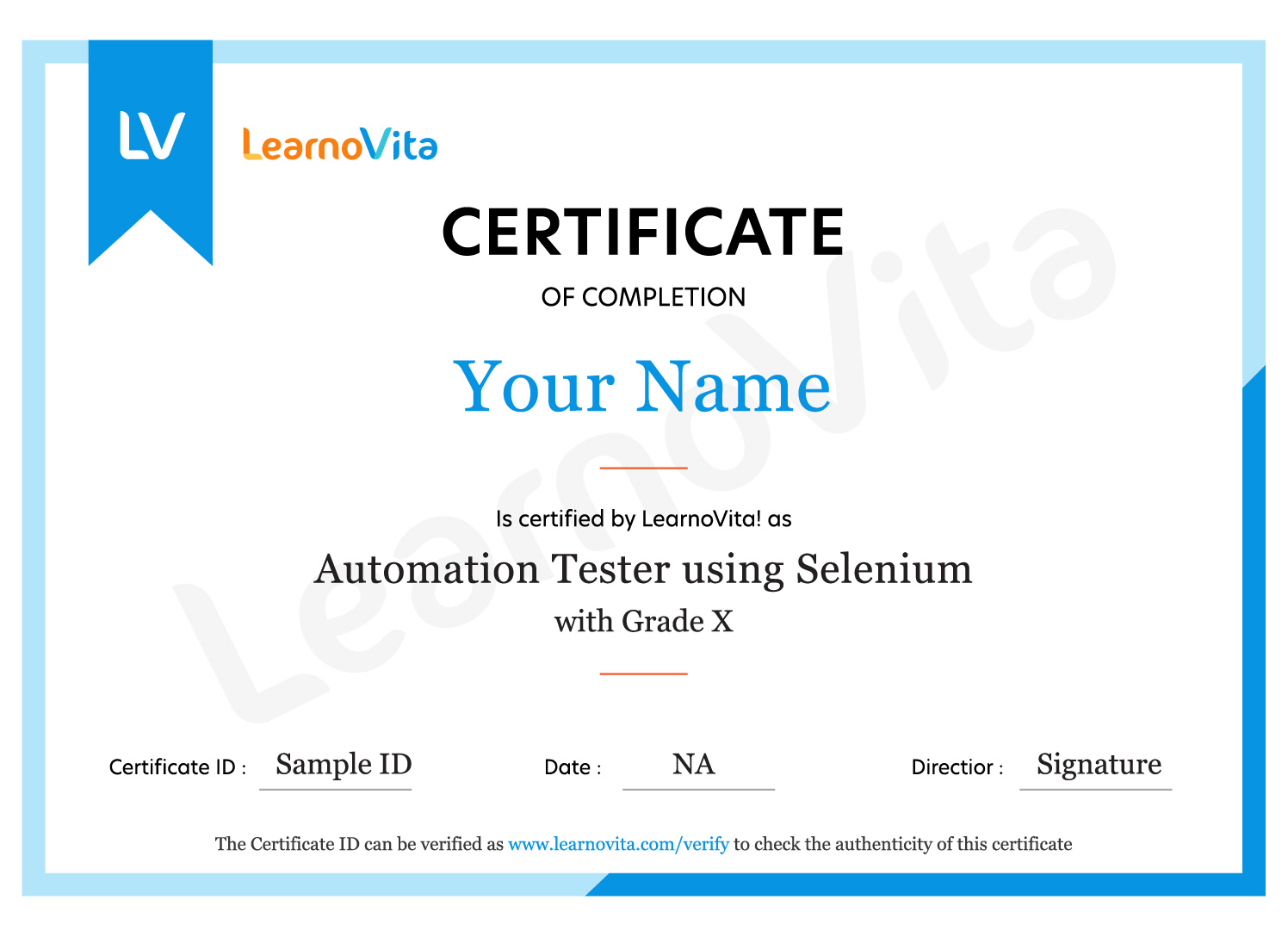
MNC Recognized course
complete certification
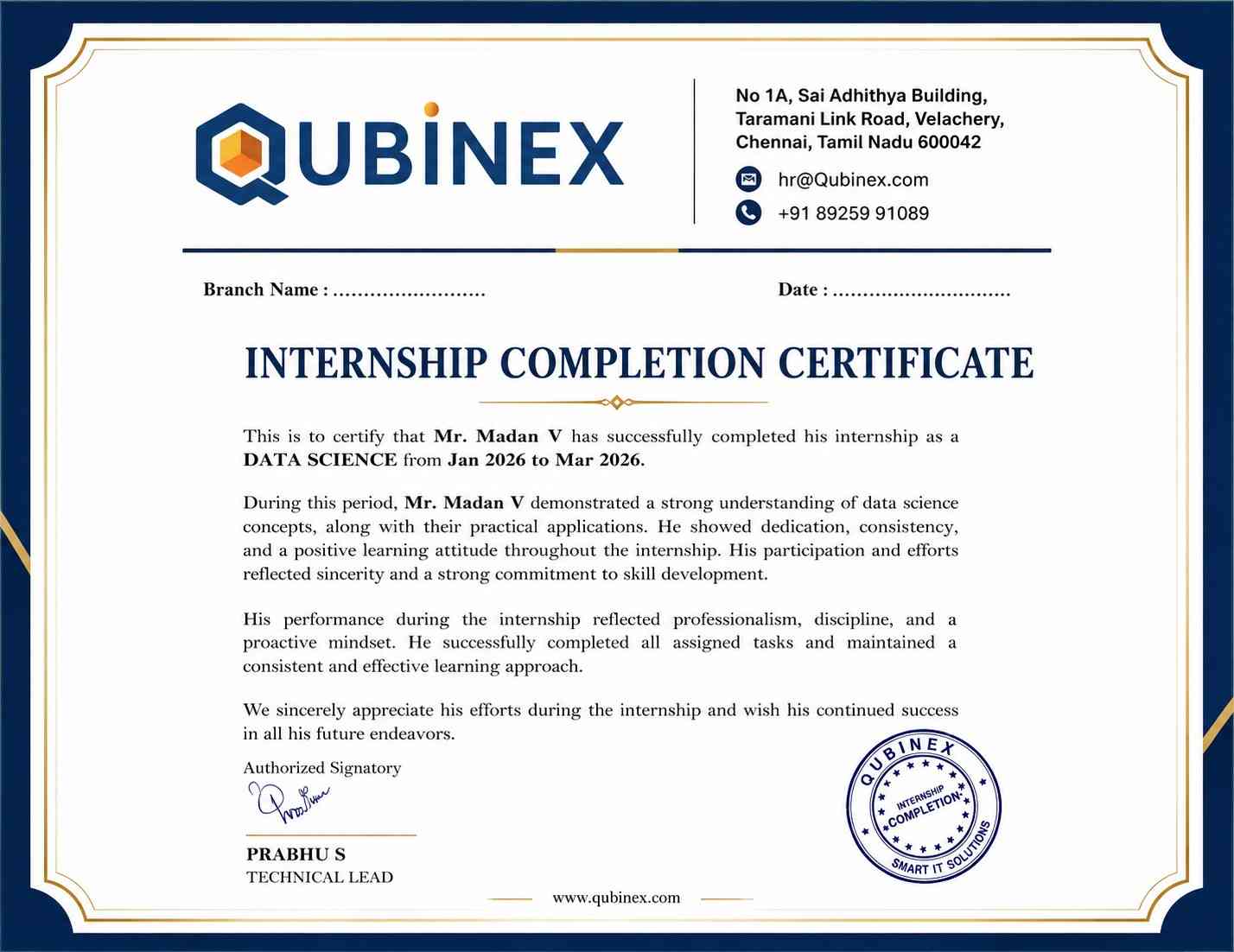
Intership
complete certification
Placement
complete certification
Our learners
transformed their careers

A majority of our alumni
fast-tracked into managerial careers.
Get inspired by their progress in the Career Growth Report.
Our Student Successful Story
 Regular 1:1 Mentorship From Industry Experts
Live Classes
Career Support

Sandeep Kumar D
Software Engineer, Cisco Systems )

Vinoth P
UI Developer, TCS
Vijeyalakshme kannan
QA Engineer, Amazon Development Center
Pranav Srinivas
Software Testing, Capgemini
Prasanna
SAP Admin, HCLHow are the SolidWorks Course with LearnoVita Different?
Feature
LearnoVita
Other Institutes
Affordable Fees
Competitive Pricing With Flexible Payment Options.
Higher SolidWorks Fees With Limited Payment Options.
Live Class From ( Industry Expert)
Well Experienced Trainer From a Relevant Field With Practical SolidWorks Training
Theoretical Class With Limited Practical
Updated Syllabus
Updated and Industry-relevant SolidWorks Course Curriculum With Hands-on Learning.
Outdated Curriculum With Limited Practical Training.
Hands-on projects
Real-world SolidWorks Projects With Live Case Studies and Collaboration With Companies.
Basic Projects With Limited Real-world Application.
Certification
Industry-recognized SolidWorks Certifications With Global Validity.
Basic SolidWorks Certifications With Limited Recognition.
Placement Support
Strong Placement Support With Tie-ups With Top Companies and Mock Interviews.
Basic Placement Support
Industry Partnerships
Strong Ties With Top Tech Companies for Internships and Placements
No Partnerships, Limited Opportunities
Batch Size
Small Batch Sizes for Personalized Attention.
Large Batch Sizes With Limited Individual Focus.
Additional Features
Lifetime Access to SolidWorks Course Materials, Alumni Network, and Hackathons.
No Additional Features or Perks.
Training Support
Dedicated Mentors, 24/7 Doubt Resolution, and Personalized Guidance.
Limited Mentor Support and No After-hours Assistance.
SolidWorks Course FAQ's
- Career-focused support can help eligible learners explore relevant SolidWorks and mechanical design job opportunities.
- Participants completing the career-oriented SolidWorks program may receive placement assistance, interview preparation, resume support, and career guidance.
- The placement support team provides guidance for technical interviews, communication, portfolio development, and professional presentation.
- Career preparation activities may include mock interviews, resume preparation, interview guidance, and presentation skills training to strengthen job readiness.
- Learners can access the student portal for job openings, study resources, videos, recorded sessions, and interview preparation materials.

- Build a Powerful Resume for Career Success
- Get Trainer Tips to Clear Interviews
- Practice with Experts: Mock Interviews for Success
- Crack Interviews & Land Your Dream Job
Global Quality Training
At The Lowest Fees & Expert Trainer








Need custom pricing?

