Home » UI UX Design Online Course » UI/UX Design Training in Marathahalli

UI/UX Design Training in Marathahalli

(4.6) 15462 Ratings
  • Join the UI/UX Design Training in Marathahalli to develop practical skills in user interface and user experience design.
  • Master essential UI/UX concepts, including user research, wireframing, prototyping, and usability testing.
  • Gain industry-relevant experience through real-time UI/UX projects and hands-on design exercises.
  • Ideal for aspiring UI/UX Designers, Web Designers,Students, and Job Seekers looking to build a successful career.
  • Choose from Flexible Batch Timings, including weekday, weekend, and fast-track learning schedules.
  • Benefit from Placement Assistance, Interview Preparation, and industry-recognized UI/UX Design Certification.

Course Duration

45+ Hrs

Live Project

3 Project

Certification Pass

Guaranteed

Training Format

Live Online (Expert Trainers)
Quality Training With Affordable Fee

⭐ Fees Starts From

INR 38,000
INR 18,500

11358+

Professionals Trained

10+

Batches every month

2086+

Placed Students

203+

Corporate Served

What You'll Learn

Join UI/UX Design Training in Marathahalli to learn user-centered design principles, creative thinking, interface development, and modern digital product design approaches.

Learn essential UI/UX techniques, including user research, persona development, information architecture, journey mapping, wireframing, mockups, and interactive prototyping.

Enhance your design abilities through typography, color theory, visual hierarchy, responsive layouts, interaction design, usability testing, and professional design systems.

Develop practical expertise through UI/UX assignments, wireframe creation, interactive prototypes, interface design activities, and real-world user experience challenges.

Explore modern design methodologies covering mobile app interfaces, responsive websites, digital accessibility, interaction patterns, and scalable design system development.

Build professional UI/UX design capabilities and prepare for career opportunities in Marathahalli as UI/UX Designers, Product Designers, Interaction Designers, and UX Specialists.

An Ultimate Overview of UI/UX Design Course

The UI/UX Design Training in Marathahalli is structured to help learners develop strong skills in user interface design, and digital product development. With practical UI/UX Design sessions, participants work on real-world projects and gain hands-on knowledge of user research, wireframing, interactive prototyping, and professional design processes with expert mentorship. This UI/UX Design Certification Course in Marathahalli provides convenient learning options, including online classes and instructor-led training, making it suitable for students and working professionals. The course focuses on enhancing creative problem-solving, user-centered design approaches, visual design techniques, and expertise in industry-standard design tools, helping learners pursue career opportunities in UI/UX design, product design, and digital experience development.

Additional Info

Future Trends for UI/UX Design Course in Marathahalli

  • AI-Based Design Tools: AI-powered design tools are transforming UI/UX workflows by automating repetitive tasks such as layout creation, color selection, and content generation. Features from modern platforms help designers analyze user behavior, generate ideas, improve interfaces, and focus more on creative strategy and user-centered experiences.
  • Voice and Conversational Interfaces: Voice and conversational interfaces are becoming increasingly important as users interact with digital products through assistants and chatbots. Designers focus on natural language, user intent, accessibility, and accurate responses. Future interfaces will combine voice interaction with visual elements to create smoother and more intuitive experiences.
  • AR and VR Augmenting User Experiences: AR and VR are creating immersive digital experiences across retail, education, entertainment, healthcare, and real estate. UI/UX designers need to develop intuitive navigation and interactions for immersive environments. As these technologies advance, accessibility, usability, spatial interfaces, and seamless user interaction will become increasingly important.
  • Personalized User Experiences: Personalization enables digital products to adapt interfaces, content, and recommendations according to user preferences and behavior. Designers use data-driven insights to create customized dashboards, layouts, and experiences. Future designs will focus on balancing personalization with transparency, user control, privacy, and responsible data usage.
  • Dark Mode and Theme Customization: Dark mode and customizable themes continue to influence modern interface design by offering visual flexibility and improved comfort in different environments. Designers must maintain sufficient contrast, readability, and accessibility across themes. Future products are expected to provide more adaptive interfaces based on user preferences and settings.
  • Expansion of No-Code and Low-Code Platforms: No-code and low-code platforms are making digital product development more accessible to designers and non-technical users. Tools such as Webflow, Bubble, and Framer support rapid prototyping and implementation. These platforms reduce development complexity and allow designers to focus more on user experience, product strategy, and functionality.
  • Gesture-Based UI and Biometric Authentication: Gesture controls and biometric technologies are creating more natural and secure digital interactions. Features such as swiping, facial recognition, and fingerprint authentication simplify navigation and identity verification. Designers must ensure these interactions remain intuitive, accessible, secure, and suitable for users with diverse abilities and preferences.
  • Accessibility and Inclusive Design: Accessibility and inclusive design are becoming essential parts of modern UI/UX development. Designers incorporate screen reader support, keyboard navigation, voice controls, suitable contrast, and accessible interactions. Creating inclusive interfaces improves usability for diverse audiences and ensures digital products accommodate different abilities, devices, and user requirements.
  • Eco-Friendly and Sustainable Design: Sustainable UI/UX design focuses on reducing the environmental impact of digital products through efficient interfaces and optimized performance. Lightweight pages, reduced data usage, efficient media, and simpler interactions can lower resource consumption. Future design practices will increasingly consider performance, accessibility, usability, and digital sustainability together.

Tools and Technologies for UI/UX Design Course

  • Figma: Figma is a collaborative UI/UX design platform used to create wireframes, prototypes, and high-fidelity interfaces. Its browser-based workspace supports real-time teamwork, version history, shared libraries, and plugins, helping designers manage projects efficiently from concept development through final interface design.
  • Adobe XD: Adobe XD supports the complete UI/UX design workflow, including wireframing, interface creation, and interactive prototyping. It provides responsive layouts, animations, reusable components, and design systems while integrating with Adobe Creative Cloud tools, helping designers maintain consistency and develop engaging digital experiences.
  • Sketch: Sketch is a vector-based design tool used for creating scalable user interfaces and digital product experiences. It provides artboards, symbols, reusable components, libraries, and plugins that streamline design workflows. Its structured approach helps designers maintain visual consistency while developing detailed interface concepts and prototypes.
  • InVision: InVision is a prototyping and collaboration platform that enables designers to create interactive mockups and user flows. Teams can connect screens, add interactions, collect feedback, and review designs collaboratively. Its prototyping capabilities help stakeholders understand product experiences before development and support smoother design validation.
  • Balsamiq: Balsamiq is a lightweight wireframing tool designed for quickly developing low-fidelity interface concepts. Its sketch-style visuals keep attention on structure, navigation, and functionality rather than detailed styling. Drag-and-drop components make it useful for brainstorming, early planning, rapid iterations, and collaborative wireframe reviews.
  • Proto.io: Proto.io is a no-code prototyping platform for creating interactive web and mobile product experiences. Designers can use drag-and-drop features to add animations, gestures, transitions, and navigation without advanced programming. Prototypes can be shared with stakeholders for usability evaluation, feedback, and design validation.
  • Framer: Framer combines interface design, responsive layouts, animations, and interactive prototyping capabilities. Designers can create adaptive interfaces with reusable components, scrolling, navigation, and interactive elements. Its collaborative workflow supports high-fidelity prototypes and helps teams develop polished digital experiences efficiently across different screen sizes.
  • Canva: Canva is a user-friendly visual design platform that supports the creation of interface graphics, presentations, social media assets, and other digital content. Its templates, drag-and-drop editor, and extensive design resources help UI/UX learners create visual assets quickly while maintaining consistent branding and presentation quality.
  • Axure RP: Axure RP is a professional prototyping tool used to create detailed wireframes, interactive prototypes, and complex user flows. It supports conditional logic, dynamic interactions, forms, and advanced documentation. Designers can use these capabilities to simulate realistic product behavior and communicate functional requirements clearly to development teams.
  • Marvel: Marvel is a design and prototyping platform that helps designers create wireframes, interactive prototypes, and user interface concepts. It supports collaboration, user testing, and design sharing, allowing teams to collect feedback throughout the design process. Its straightforward workflow makes it useful for developing and validating digital product ideas.

Benefits of UI/UX Design Placement Course in Marathahalli

  • Increasing Career Opportunities: UI/UX design training helps learners develop skills relevant to digital careers across technology, e-commerce, finance, healthcare, education, and other industries. As organizations invest in digital products, trained designers can explore roles such as UI Designer, UX Designer, Product Designer, and Interaction Designer.
  • Industry Tool Hands-on Practice: UI/UX courses provide practical exposure to popular design tools such as Figma, Adobe XD, Sketch, and prototyping platforms. Learners practice wireframing, interface design, prototyping, and design systems, helping them understand professional workflows and apply their technical knowledge to real-world design requirements.
  • Building Problem-Solving Skills: UI/UX training strengthens problem-solving abilities by teaching learners how to identify user challenges and develop effective design solutions. Design thinking, usability analysis, user journeys, and interaction principles help participants create interfaces that address practical requirements and improve overall digital experiences.
  • Understanding User Behavior: UI/UX training introduces learners to user research and behavior analysis techniques that support user-centered design. They explore usability testing, user interviews, surveys, A/B testing, and other research methods to understand user expectations and create intuitive interfaces based on meaningful insights and feedback.
  • Enhancing Creativity and Aesthetic Sense: UI/UX training develops creative skills through principles such as color theory, typography, spacing, visual hierarchy, and composition. Learners practice combining aesthetics with functionality to create engaging interfaces while exploring modern design trends and developing a consistent visual approach for digital products.
  • Creating a Professional Portfolio: UI/UX courses help learners build professional portfolios through practical projects involving research, wireframing, prototyping, and interface design. A well-organized portfolio demonstrates the design process, problem-solving approach, and technical abilities, giving employers a clear view of a candidate's practical capabilities.
  • Freedom to Work as a Freelancer: UI/UX design skills can support freelance opportunities involving websites, mobile applications, dashboards, and digital products. Professionals can use portfolios and project experience to present their services to clients. Freelancing can provide flexibility while allowing designers to work on projects across different industries and markets.
  • Competitive Advantage in the Job Market: UI/UX training and certification can strengthen a professional profile by demonstrating knowledge of design principles, research methods, prototyping, and industry tools. Combined with practical projects and a strong portfolio, these credentials can help candidates communicate their capabilities during recruitment and professional evaluations.
  • Improved Communication and Collaboration: UI/UX training helps learners develop communication skills required to work with developers, product managers, marketers, and business teams. Presenting design ideas, explaining user research, documenting decisions, and incorporating feedback help designers collaborate effectively throughout the product development lifecycle.
  • Understanding the Complete Design Process: UI/UX training provides exposure to the complete product design lifecycle, from user research and problem identification to wireframing, prototyping, testing, and refinement. Understanding each stage helps learners approach projects systematically and create solutions that align user needs with business and technical requirements.

Companies Hiring for UI/UX Design Professionals

  • Google: Google offers UI/UX design opportunities across products such as Search, Gmail, Google Drive, and emerging AI-powered experiences. Designers apply user research, usability testing, data insights, and design systems to create consistent digital interfaces. Professionals can work with engineers, researchers, and product teams on web, mobile, and AI-focused experiences.
  • Apple: Apple is recognized for its focus on simplicity, usability, accessibility, and visual consistency across products such as iOS, macOS, and other digital platforms. UI/UX professionals work on interface design, interaction patterns, and emerging technologies. Designers collaborate with multidisciplinary teams to develop polished and user-centered digital experiences.
  • Microsoft: Microsoft provides UI/UX opportunities across products including Windows, Microsoft 365, Teams, Xbox, and AI-powered applications. Designers use user research, usability testing, accessibility practices, and inclusive design principles to improve product experiences. Professionals can contribute to enterprise software, consumer products, gaming interfaces, and cloud-based digital solutions.
  • Adobe: Adobe develops creative and digital experience products used by designers and businesses worldwide. UI/UX professionals can work on applications such as Photoshop, Illustrator, and other Creative Cloud solutions. Designers focus on intuitive workflows, visual consistency, accessibility, and emerging technologies including AI-powered creative features while collaborating with product and engineering teams.
  • IBM: IBM offers UI/UX design opportunities across enterprise software, cloud platforms, healthcare solutions, financial systems, and AI technologies. Designers apply research, accessibility, design systems, and structured design methodologies to solve complex business problems. Professionals collaborate with developers, researchers, and product teams to create scalable enterprise experiences.
  • Amazon: Amazon applies UI/UX design across e-commerce platforms, AWS services, Alexa, and various digital products. Designers focus on usability, accessibility, customer journeys, personalization, and data-informed product improvements. UI/UX professionals collaborate with engineers, product managers, and researchers to create interfaces for shopping, cloud services, and connected technologies.
  • Meta: Meta provides UI/UX design opportunities across Facebook, Instagram, WhatsApp, immersive technologies, and AI-powered products. Designers work with user research, experimentation, accessibility, personalization, and interaction design to improve digital experiences. Professionals can contribute to social platforms, augmented and virtual reality products, and emerging AI interfaces.
  • Airbnb: Airbnb focuses heavily on user experience across its travel and accommodation platform. UI/UX designers work on search, booking, navigation, personalization, accessibility, and trust-building experiences for hosts and guests. Designers use research, testing, and data insights to improve digital journeys while collaborating with product, engineering, and business teams.
  • Tesla: Tesla combines UI/UX design with automotive software, touchscreen interfaces, connected technologies, and in-vehicle digital experiences. Designers contribute to dashboard interfaces, navigation, controls, and user interactions within vehicles and related applications. Their work involves collaboration with engineering and product teams to create clear, responsive, and functional experiences.
  • Spotify: Spotify provides UI/UX opportunities across music streaming, mobile applications, web platforms, and connected devices. Designers focus on intuitive navigation, personalization, accessibility, content discovery, and interactive experiences. UI/UX professionals collaborate with product and engineering teams to improve user journeys and develop engaging digital experiences for diverse audiences.
View more

UI/UX Course Objectives

The UI/UX Design Training in Marathahalli is suitable for beginners, college students, graduates, and working professionals interested in building a career in digital design. Having basic computer knowledge, creativity, problem-solving abilities, and an interest in understanding user behavior can be beneficial. Prior knowledge of Figma, Adobe XD, or Sketch is not mandatory, as the course covers essential design concepts and tools from the fundamentals.
Joining UI/UX Design Training in Marathahalli helps learners acquire practical knowledge of user research, user journey mapping, information architecture, wireframing, prototyping, and usability testing. The training focuses on creating user-friendly digital products, improving interface quality, and understanding professional design methodologies. Learners also develop the skills required to explore career opportunities in UI design, UX design, product design, and digital product development.
With the continuous growth of websites, mobile applications, and digital platforms, businesses increasingly focus on delivering better user experiences. Skilled UI/UX professionals help organizations understand customer expectations, simplify navigation, and create visually appealing digital solutions. Learning UI/UX design provides relevant skills for opportunities in IT, software development, e-commerce, banking, healthcare, education, and other technology-driven industries.
  • Increasing demand for user-focused website and mobile application designs
  • Growing opportunities in AI-powered interfaces and personalized digital experiences
  • Expanding applications of augmented reality and virtual reality design
  • Rising importance of accessible and inclusive user experience solutions
  • Emerging opportunities in voice user interfaces and gesture-based interactions
  • Greater adoption of data-driven design and user research methodologies
The UI/UX Design Course in Marathahalli focuses on practical learning through design assignments and real-world project scenarios. Participants can work on website layouts, mobile application interfaces, e-commerce platforms, and business dashboard designs. These activities help learners apply user research, wireframing, visual design, prototyping, and usability testing techniques while building a professional portfolio to showcase their design capabilities.
  • Fundamentals of UI/UX design, design principles, and visual communication
  • User research techniques, user personas, and behavior analysis
  • Information architecture, wireframing, mockups, and interactive prototyping
  • Interaction design, usability evaluation, and responsive interface development
  • Hands-on practice with Figma, Adobe XD, Sketch, and other design applications
The UI/UX Design Training program can support learners with career preparation and placement assistance. Guidance may cover professional portfolio creation, resume development, mock interviews, communication skills, and interview preparation. These activities help candidates demonstrate their design knowledge, present project work confidently, and prepare for recruitment opportunities with IT companies, startups, digital agencies, and product-based organizations.
  • IT services, software engineering, and technology companies
  • Online shopping, e-commerce, and retail businesses
  • Banking, financial services, and fintech organizations
  • Healthcare technology and digital medical platforms
  • Media, entertainment, and online content services
Participants get practical exposure to widely used UI/UX design applications such as Figma, Adobe XD, Sketch, InVision, and Balsamiq. These tools help learners create structured wireframes, develop attractive user interfaces, build interactive prototypes, collaborate on design projects, and evaluate usability. The training introduces workflows that are commonly followed in professional digital product design environments.
  • Validates your understanding of fundamental UI/UX design concepts and methodologies
  • Helps demonstrate practical design knowledge when applying for relevant job positions
  • Improves familiarity with professional design applications, tools, and workflows
  • Supports portfolio development and preparation for UI/UX design interviews
view More view Less

UI UX Design Course Benefits

UI/UX Design Training in Marathahalli helps learners strengthen their creative abilities and technical knowledge in user interface design, user experience strategies, and digital product development. The course provides practical learning opportunities through expert-led sessions, interactive design exercises, real-time projects, and industry-based assignments. Learners can also gain valuable exposure through UI/UX Design internship opportunities, where they apply user research methods, wireframing, prototyping, interface development, and usability testing techniques to practical design challenges. Through comprehensive UI/UX Design training and project-oriented learning, participants develop industry-relevant skills and prepare for career opportunities in UI design, UX design, product design, web design, and digital experience development across multiple sectors.

  • Designation
  • Annual Salary
    Hiring Companies
  • 3.24L
    Min
  • 6.5L
    Average
  • 13.5L
    Max
  • 4.50L
    Min
  • 7.5L
    Average
  • 15.5L
    Max
  • 4.0L
    Min
  • 7.5L
    Average
  • 15.5L
    Max
  • 3.24L
    Min
  • 6.5L
    Average
  • 16.5L
    Max

About UI/UX Design Course

The UI/UX Design Training in Marathahalli offers in-depth knowledge of user interface development, and modern digital product design methodologies. Learners develop practical expertise through interactive training sessions, real-time UI/UX projects, design challenges, and industry-focused exercises covering user research, persona creation, information architecture, wireframing, interactive prototyping, visual communication, usability evaluation, interaction design, and responsive layouts. The program also emphasizes hands-on assignments, mentor-guided design activities, prototype creation, user experience analysis, and practical product development scenarios. These learning experiences help participants enhance their creativity, analytical thinking, problem-solving capabilities, and professional design skills while gaining the confidence to create intuitive, accessible, visually appealing, and user-focused digital experiences.

Top Skills You Will Gain
  • User Research
  • Wireframe Design
  • Visual Hierarchy
  • Interaction Design
  • Usability Testing
  • Typography Principles
  • Responsive Design
  • Design Thinking

12+ UI UX Design Tools

Online Classroom Batches Preferred

Weekdays (Mon - Fri)
09 - Nov - 2026
08:00 AM (IST)
Weekdays (Mon - Fri)
11 - Nov - 2026
08:00 AM (IST)
Weekend (Sat)
14 - Nov - 2026
11:00 AM (IST)
Weekend (Sun)
15 - Nov - 2026
11:00 AM (IST)
Can't find a batch you were looking for?
₹38,000 ₹18,500 10% OFF Expires in

No Interest Financing start at ₹ 5000 / month

Self Paced Training

  • 50+ Hours High-quality Video
  • 28+ Downloadable Resource
  • Lifetime Access and 24×7 Support
  • Access on Your Computer or Mobile
  • Get Certificate on Course Completion
  • 3+ Projects
12500 ₹4500

Corporate Training

  • Customized Learning
  • Enterprise Grade Learning Management System (LMS)
  • 24x7 Support
  • Enterprise Grade Reporting

Not Just Studying
We’re Doing Much More!

Empowering Learning Through Real Experiences and Innovation

Hiring
Hiring
Hiring
Hiring
Hiring
Hiring
Hiring
User
User
User
User
User
User

UI/UX Design Course Curriculum

Trainers Profile

Our UI/UX Design Training in Marathahalli is conducted by skilled design professionals who emphasize creative problem-solving, user research techniques, and contemporary interface design practices. Participants receive hands-on experience through real-world UI/UX projects that help them understand professional design workflows, user-centered methodologies, and digital product development processes. We offer structured UI/UX Design learning resources and comprehensive training materials to help learners strengthen their abilities in wireframing, interactive prototyping, visual design, interaction design, usability evaluation, and responsive interface development. With a practical, project-oriented training approach, participants can develop industry-relevant skills and prepare for career opportunities in UI/UX design, product design, web design, interaction design, and digital experience development across various industries.

Syllabus For UI UX Design Course Download syllabus

  • Design Principles
  • Design Thinking
  • User-Centered Design
  • UX Laws
  • User Personas
  • Competitive Analysis
  • Surveys & Interviews
  • User Journey Mapping
  • Data Interpretation
  • Low-Fidelity Wireframes
  • High-Fidelity Wireframes
  • Interactive Prototypes
  • Clickable Mockups
  • Feedback Integration
  • Typography Basics
  • Color Psychology
  • Layout & Spacing
  • Iconography Design
  • UI Components
  • Microinteractions
  • Navigation Design
  • Motion Design
  • Gestures & Feedback
  • UI Responsiveness
  • Figma Fundamentals
  • Adobe XD Basics
  • Sketch Essentials
  • Prototyping Tools
  • Collaboration Tools
  • A/B Testing
  • Heatmaps Analysis
  • User Behavior Tracking
  • Usability Metrics
  • Iterative Improvements
  • WCAG Standards
  • Color Contrast
  • Readability Guidelines
  • Inclusive Design
  • Assistive Technologies
  • Web Design UI
  • Mobile App UX
  • SaaS Platform UI
  • Wearable Devices UX
  • Voice UI Design
  • Design Systems
  • Brand Identity
  • UI Kits & Components
  • Consistency Guidelines
  • Style Guides
(15) view More view Less
Need customized curriculum?

REAL

start
STORIES SUCCESS INSPIRATION
CAREER
UPGRADE
sowmiya

sowmiya

CAREER
UPGRADE
Rajkumar

Rajkumar

CAREER
UPGRADE
Thon

Thon

CAREER
UPGRADE
lavanya

Lavanya

Industry Projects

Project 1
E-Commerce Platform UI/UX Revamp

Create an engaging e-commerce website interface that enhances customer satisfaction through improved navigation, organized product categories, and streamlined shopping experiences. Apply wireframing, prototyping, and usability testing techniques to optimize product searches, shopping cart interactions, and checkout functionality.

Project 2
Digital Banking Application Design

Develop an intuitive mobile banking application with a user-friendly interface and convenient financial management features. Focus on designing seamless payment processes, account dashboards, transaction history, and secure login experiences while using user research and interaction design principles to improve accessibility and usability.

Project 3
Online Healthcare Appointment Platform

Design a responsive healthcare appointment platform that makes it easier for patients to discover doctors, check available consultation slots, and schedule appointments. Implement user-friendly navigation, structured information layouts, and interactive prototypes to simplify appointment management and deliver an accessible digital healthcare experience.

Our Hiring Partner

Exam & UI/UX Design Certification

  • Basic knowledge of creative design concepts and digital technologies can be beneficial
  • Understanding fundamental user interface and user experience principles is an added advantage
  • Familiarity with website layouts, mobile applications, and digital platforms can support learning
  • Interest in visual creativity, problem-solving, and user-centered design approaches is helpful
  • Previous professional UI/UX design experience is not mandatory for beginners
A UI/UX Design Certification validates your understanding of important design methodologies, including user research, wireframing, interactive prototyping, visual communication, interaction design, and usability evaluation. It helps demonstrate your technical knowledge, strengthen your professional profile, and explore career opportunities in UI/UX design, product development, web design, and digital experience management.
Completing UI/UX Design Certification Training in Marathahalli helps learners demonstrate their understanding of user experience principles and interface development techniques. Although certification alone cannot guarantee employment, combining your qualification with practical project experience, a well-developed portfolio, design tool proficiency, and interview preparation can improve your readiness for relevant job opportunities.
  • UI/UX Design Specialist
  • User Experience (UX) Designer
  • User Interface (UI) Designer
  • Digital Product Designer
  • Interaction Design Professional
  • Web and Mobile App Designer
  • Digital Experience Designer
UI/UX Design Certification helps participants strengthen their practical understanding of user research, information architecture, wireframe creation, interactive prototyping, visual design, interaction patterns, usability testing, responsive interfaces, and design systems. These competencies help learners prepare for professional opportunities in UI/UX design, digital product development, website design, mobile application design, and user experience strategy. Continuous project practice and portfolio development can further support career progression in the digital design industry.

MNC Recognized course
complete certification
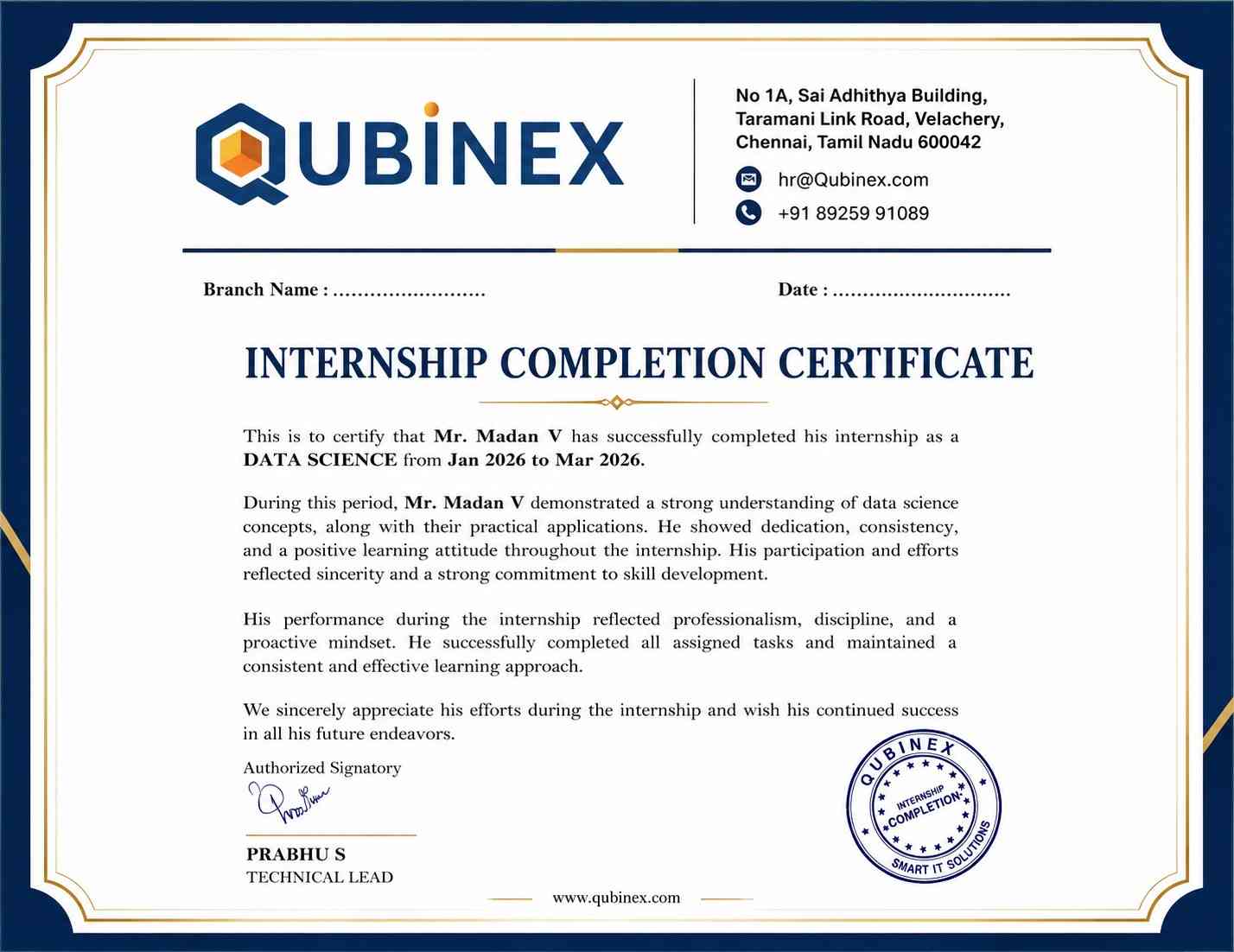
Intership
complete certification
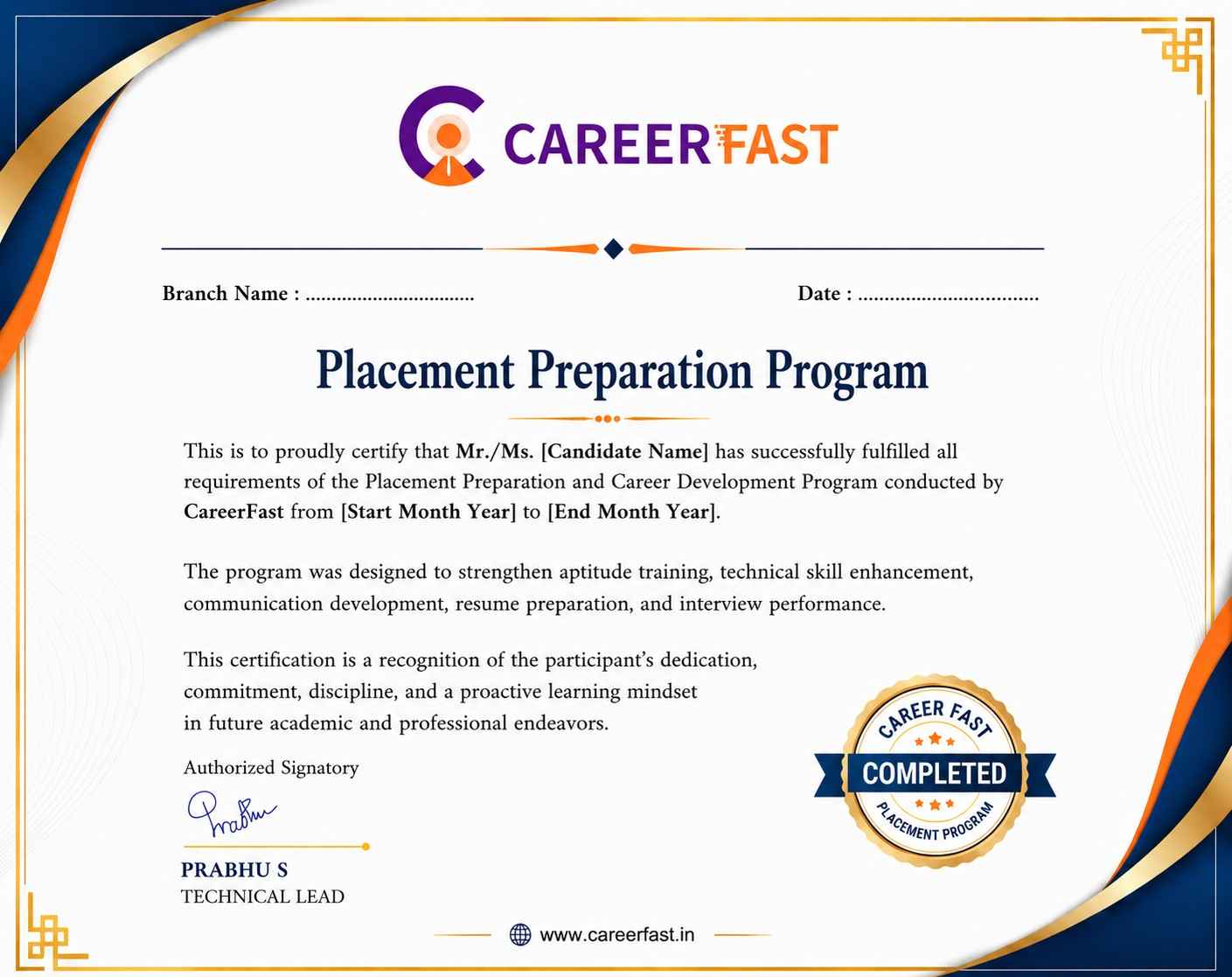
Placement
complete certification

Our learners
transformed their careers

35 Laks
Highest Salary Offered
50%
Average Salary Hike
30K+
Placed in MNC's
15+
Year's in Training
Our Alumni
Alumni

A majority of our alumni

fast-tracked into managerial careers.

Get inspired by their progress in the Career Growth Report.

Our Student Successful Story

checkimage Regular 1:1 Mentorship From Industry Experts checkimage Live Classes checkimage Career Support

How are the UI UX Design Course with LearnoVita Different?

Feature

LearnoVita

Other Institutes

Affordable Fees

Competitive Pricing With Flexible Payment Options.

Higher UI UX Design Fees With Limited Payment Options.

Live Class From ( Industry Expert)

Well Experienced Trainer From a Relevant Field With Practical UI UX Design Training

Theoretical Class With Limited Practical

Updated Syllabus

Updated and Industry-relevant UI UX Design Course Curriculum With Hands-on Learning.

Outdated Curriculum With Limited Practical Training.

Hands-on projects

Real-world UI UX Design Project With Live Case Studies and Collaboration With Companies.

Basic Projects With Limited Real-world Application.

Certification

Industry-recognized UI UX Design Certifications With Global Validity.

Basic UI UX Design Certifications With Limited Recognition.

Placement Support

Strong Placement Support With Tie-ups With Top Companies and Mock Interviews.

Basic Placement Support

Industry Partnerships

Strong Ties With Top Tech Companies for Internships and Placements

No Partnerships, Limited Opportunities

Batch Size

Small Batch Sizes for Personalized Attention.

Large Batch Sizes With Limited Individual Focus.

Additional Features

Lifetime Access to UI UX Design Course Materials, Alumni Network, and Hackathons.

No Additional Features or Perks.

Training Support

Dedicated Mentors, 24/7 Doubt Resolution, and Personalized Guidance.

Limited Mentor Support and No After-hours Assistance.

UI/UX Design Course FAQ's

Yes, prospective learners can request a demo session before joining the UI/UX Design Course in Marathahalli. Demo classes provide an opportunity to understand the course syllabus, teaching approach, practical training methodology, and instructor guidance. If attending a live session is not convenient, a pre-recorded demo session may also be available to help you explore the training experience and learning structure.
The training is conducted by experienced design professionals with practical expertise in user interface design, user experience research, wireframing, prototyping, visual communication, interaction design, and usability testing. Their industry knowledge helps participants understand essential concepts through practical demonstrations, design examples, real-world applications, and project-based learning activities.
  • Career assistance helps eligible learners identify suitable job openings and explore employment opportunities in the design industry.
  • Participants may receive guidance with resume preparation, job applications, interview scheduling, and career planning after completing the training.
  • The placement support team provides guidance for opportunities in UI/UX design, product design, web design, and digital experience development.
  • Career preparation is based on individual technical abilities, portfolio presentation, practical knowledge, communication skills, and employer expectations.
  • Activities such as mock interviews, resume building, portfolio development, and presentation practice help learners improve their interview readiness.
  • Learners may receive access to relevant job notifications, design resources, study materials, recorded classes, training videos, and interview preparation content through the student portal.
Learners who successfully complete the UI/UX Design Course may receive a course completion certificate. The program also provides practical exposure to interface design, user experience methodologies, professional design tools, and project development. Participants can showcase their completed assignments and portfolio projects to demonstrate their design knowledge and practical capabilities to prospective employers.
Yes, the UI/UX Design Training in Marathahalli focuses on practical assignments and industry-oriented project activities. Learners get opportunities to work on website interfaces, mobile application designs, e-commerce platforms, and digital product concepts. Project activities cover user research, persona development, wireframing, prototyping, visual design, usability evaluation, and responsive interface creation, helping participants strengthen their practical knowledge and professional portfolios.
Participants can explore different learning formats based on their availability and career requirements. Options may include instructor-led online classes, classroom training, self-paced learning, personalized one-to-one sessions, fast-track batches, and customized training programs. These flexible learning arrangements help students, fresh graduates, and working professionals choose a suitable training schedule for developing their UI/UX design skills.
Learners who are unable to attend a scheduled class can check the available options for completing missed topics. Depending on the training provider's policies and batch availability, participants may access recorded lessons, class notes, presentations, and learning materials or coordinate with the training team to attend the relevant topic in another batch. This helps learners maintain continuity throughout the course.
For further details about UI/UX Design Training in Marathahalli, you can contact the course support team. They can provide additional information regarding course modules, training schedules, fee structure, practical projects, certification details, batch availability, and the enrollment procedure.
Interested candidates can enroll in the UI/UX Design Course through the training provider's official website or by contacting the admission support team. You can enquire about upcoming batches, course fees, available learning formats, syllabus details, and registration requirements before confirming your enrollment.
Yes, enrolled participants may access digital learning resources through the student portal, depending on the course access policy. Available resources may include course notes, design references, recorded training sessions, practical assignments, tutorial videos, and interview preparation materials. These resources help learners revise important concepts and continue practicing outside regular classroom sessions.
The UI/UX Design Training program may follow limited batch sizes to encourage better interaction between learners and instructors. Smaller learning groups can provide more opportunities to ask questions, receive feedback on design assignments, discuss interface concepts, and get individual guidance during practical exercises and project sessions.
The salary of a UI/UX Designer in India depends on professional experience, design portfolio, technical expertise, location, company size, and specialization. Freshers can begin their careers in entry-level design positions, while experienced professionals may progress into senior UI/UX design, product design, interaction design, and UX leadership roles. Developing practical skills, mastering design tools, and building a strong portfolio can help improve career prospects.
view More view Less
Career Assistance
  • Build a Powerful Resume for Career Success
  • Get Trainer Tips to Clear Interviews
  • Practice with Experts: Mock Interviews for Success
  • Crack Interviews & Land Your Dream Job
100% JOB GUARANTEE

Global Quality Training
At The Lowest Fees & Expert Trainer

AVAILABLE IN:
India Canada USA Singapore UAE Australia EU Germany

Need custom pricing?

4.9/5 from 50k+ students
Acte Technologies WhatsApp
Call Us! Chat With Us