
Microsoft Office Course in Kolkata
 19236
Ratings


- Join the Microsoft Office Course in Kolkata to develop essential skills in office productivity.
- Learn important features of MS Word, Excel, PowerPoint, Outlook, and other Microsoft Office tools.
- Gain practical experience through document creation, and hands-on Microsoft Office projects.
- Ideal for students, freshers, administrative professionals, office executives, and working professionals.
- Choose from Flexible Batch Timings: Weekday, Weekend, and Fast-Track Training Options.
- Benefit from Career Guidance, resume preparation, and practical industry-oriented training.
Course Duration
55+ HrsLive Project
3 ProjectCertification Pass
GuaranteedTraining Format
Live Online (Expert Trainers)Quality Training With Affordable Fee
 Fees Starts From

12057+
Professionals Trained
10+
Batches every month
3956+
Placed Students
265+
Corporate ServedWhat You'll Learn
Learn MS Word fundamentals, document formatting, page layouts, tables, templates, mail merge, and professional document creation.
Understand MS Excel formulas, functions, data formatting, sorting, filtering, charts, and spreadsheet management.
Explore PowerPoint slide creation, presentation layouts, animations, transitions, multimedia integration, and visual storytelling.
Build skills in MS Outlook email management, calendar scheduling, contact organization, task tracking, and professional communication.
Understand Microsoft Office integration, file sharing, collaboration features, cloud storage, and workplace productivity tools.
Practice document preparation, spreadsheet reporting, data analysis, presentation design, and hands-on Microsoft Office projects.
Microsoft Office Training Objectives
- Finance
- Healthcare
- Education
- Marketing
- Legal
- Office Administrator
- Data Analyst
- Executive Assistant
- Administrative Coordinator
- Project Assistant
- Microsoft Word
- Microsoft Excel
- Microsoft PowerPoint
- Microsoft Outlook
- Microsoft Access
- Advanced-Data Analysis and Spreadsheet Management in Excel
- Effective Presentation Design and Delivery Techniques in PowerPoint
- Email Management and Scheduling in Microsoft Outlook
- Database Management Basics with Microsoft Access
Request more informations
WhatsApp (For Call & Chat):
+91 72003 88604
MicroSoft Office Course Benefits
The Microsoft Office Course in Kolkata is designed to build practical skills in document formatting, spreadsheet management, presentation development, email communication, and daily office operations through hands-on training. Learners gain practical experience through guided exercises and industry-focused assignments that improve their productivity and confidence in workplace environments. The program also includes Microsoft Office Internship opportunities and practical Microsoft Office Projects, allowing participants to apply their knowledge to business activities, administrative tasks, data handling, and real-world office scenarios.
- Designation
-
Annual SalaryHiring Companies








Request more informations
WhatsApp (For Call & Chat):
+91 72003 88604
About Microsoft Office Training
The Microsoft Office Course in Kolkata is designed to provide learners with comprehensive knowledge of essential office productivity applications, document management, spreadsheet operations, presentation development, and professional communication. The syllabus covers important topics such as MS Word fundamentals, document formatting, page layouts, tables, templates, mail merge, Excel formulas, functions, data sorting, filtering, charts, pivot tables, data analysis, PowerPoint slide creation, presentation design, animations, transitions, Outlook email management, calendar scheduling, contact organization, file sharing, cloud storage, collaboration tools, and practical Microsoft Office projects.
Top Skills You Will Gain
- Document Formatting
- Data Analysis
- Slide Design
- Mail Merge
- Chart Creation
- Formula Usage
- Table Management
- Template Editing
12+ MicroSoft Office Tools
Online Classroom Batches Preferred
No Interest Financing start at ₹ 5000 / month
Corporate Training
- Customized Learning
- Enterprise Grade Learning Management System (LMS)
- 24x7 Support
- Enterprise Grade Reporting
Not Just Studying
We’re Doing Much More!
Empowering Learning Through Real Experiences and Innovation








Microsoft Office Course Curriculum
Trainers Profile
The Microsoft Office Course in Kolkata is designed to help learners gain practical expertise in Microsoft Word, Excel, PowerPoint, Outlook, and other essential Office applications used across different industries. Participants receive structured guidance to improve their skills in document formatting, spreadsheet management, data processing, report generation, presentation development, and professional email communication through hands-on exercises. Comprehensive Microsoft Office Training Materials are provided to support systematic learning, practical assignments, and step-by-step explanations. These resources help learners understand important features, complete real-time tasks, and apply their knowledge effectively in everyday workplace activities.
Syllabus of MicroSoft Office Course Download syllabus
- Overview of Microsoft Office Suite
- History and evolution
- Importance and applications in various fields
- Versions and editions
- Installation and system requirements
- Introduction to Microsoft Word
- Creating, saving, and opening documents
- Formatting text and paragraphs
- Working with styles and themes
- Inserting and formatting images
- Working with tables and charts
- Using advanced formatting tools
- Mail merge and labels
- Creating and managing templates
- Protecting documents
- Introduction to Microsoft Excel
- Creating, saving, and opening workbooks
- Entering and formatting data
- Working with formulas and functions
- Managing worksheets and workbooks
- Advanced formulas and functions
- Data analysis tools
- PivotTables and PivotCharts
- Conditional formatting
- Macros and automation
- Introduction to Microsoft PowerPoint
- Adding and formatting slides
- Inserting and editing multimedia
- Applying transitions and animations
- Speaker notes and presenter view
- Integrating Office applications
- Using Office Online and cloud storage
- Collaborative editing and sharing
- Automating tasks with Office scripts
- Advanced cross-application functionalities
- Best practices for efficient workflow
- Customizing email settings and rules
- Managing multiple email accounts
- Using advanced calendar features
- Using Outlook for project management
- Troubleshooting common Outlook issues
- Working with audio and video recordings
- Using drawing tools and handwriting recognition
- Searching and organizing notes effectively
- Sharing and syncing notebooks
- Version history and backups
- Creating calculated fields and expressions
- Using macros for automation
- Importing and exporting data
- Building user-friendly interfaces
- Database security and permissions
- Customizing Access settings
Request more informations
WhatsApp (For Call & Chat):
+91 72003 88604
REAL

UPGRADE

sowmiya

UPGRADE

Rajkumar

UPGRADE

Thon
UPGRADE

Lavanya

Industry Projects
Exam & Microsoft Office Certification
- Basic Knowledge of Computers and Operating Systems
- Familiarity with Keyboard, Mouse, and File Management
- Basic Understanding of Office Productivity Applications
- Interest in Learning Document Creation, Spreadsheets, and Presentations
- No Advanced Technical Experience Required for Beginners
- Administrative Assistant
- Office Executive
- Data Entry Operator
- MIS Executive
- Documentation Specialist
- Office Coordinator
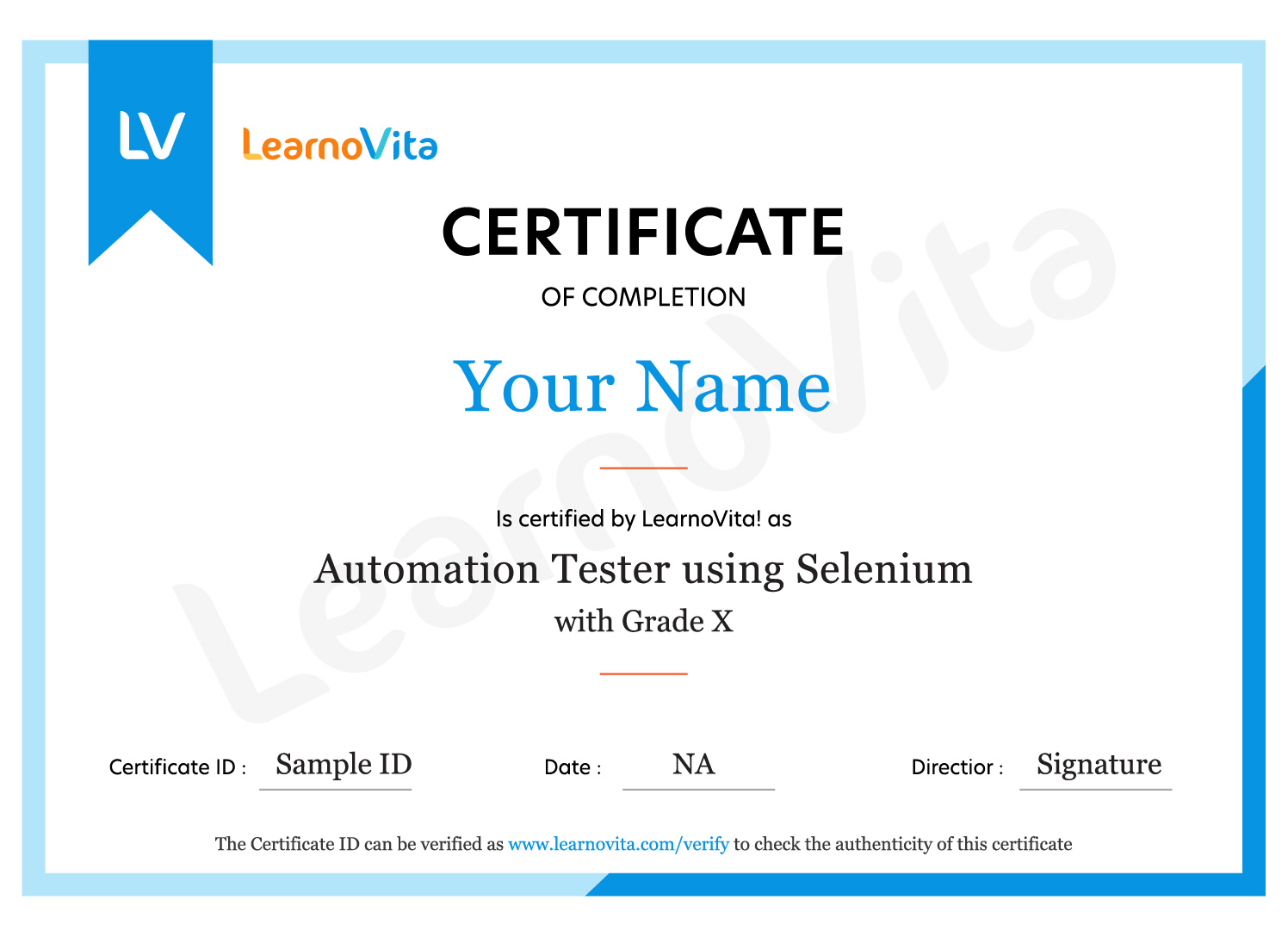
MNC Recognized course
complete certification
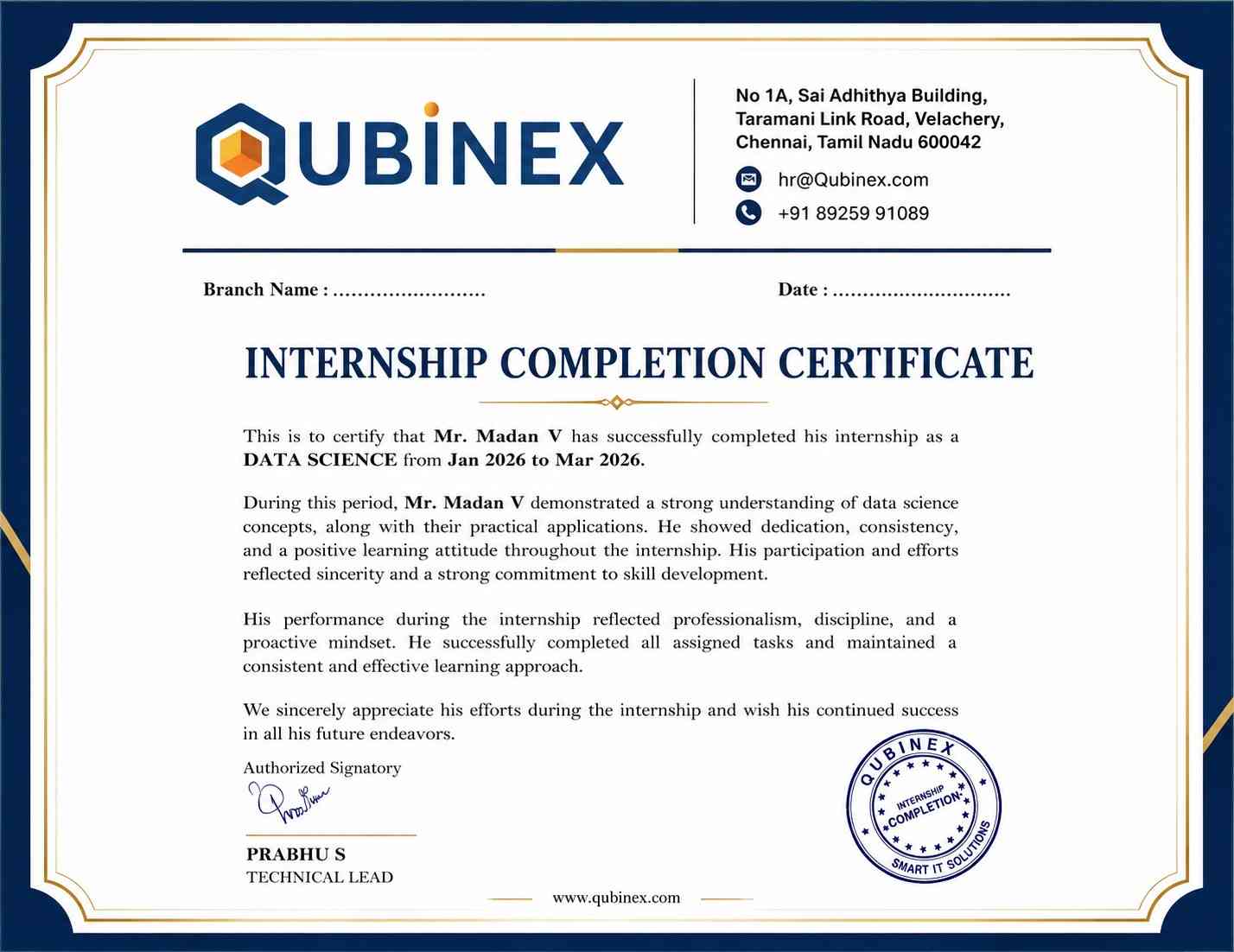
Intership
complete certification
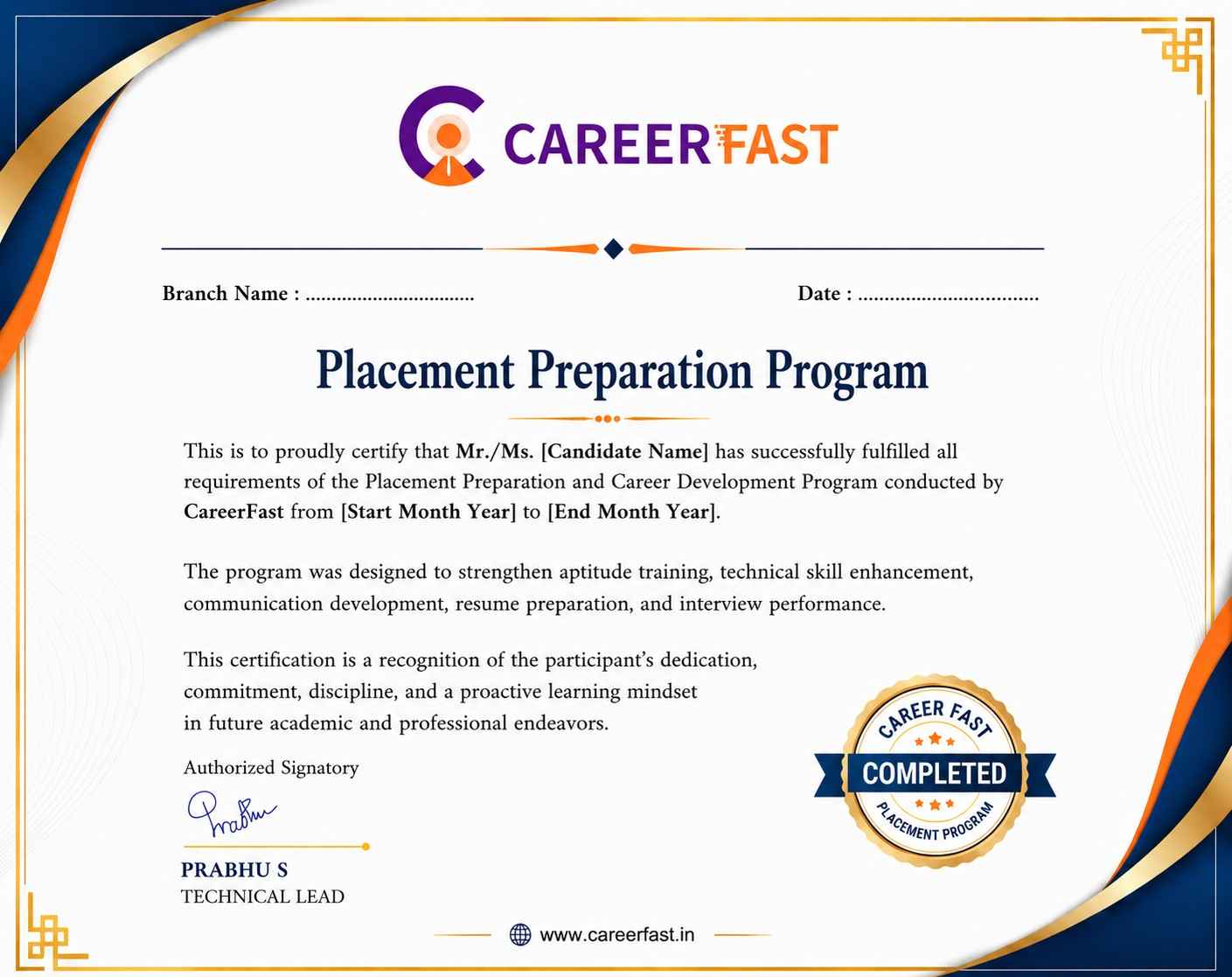
Placement
complete certification
Our learners
transformed their careers

A majority of our alumni
fast-tracked into managerial careers.
Get inspired by their progress in the Career Growth Report.
Our Student Successful Story
 Regular 1:1 Mentorship From Industry Experts
Live Classes
Career Support

Sandeep Kumar D
Software Engineer, Cisco Systems )

Vinoth P
UI Developer, TCS
Vijeyalakshme kannan
QA Engineer, Amazon Development Center
Pranav Srinivas
Software Testing, Capgemini
Prasanna
SAP Admin, HCLHow are the MicroSoft Office Course with LearnoVita Different?
Feature
LearnoVita
Other Institutes
Affordable Fees
Competitive Pricing With Flexible Payment Options.
Higher MicroSoft Office Fees With Limited Payment Options.
Live Class From ( Industry Expert)
Well Experienced Trainer From a Relevant Field With Practical MicroSoft Office Training
Theoretical Class With Limited Practical
Updated Syllabus
Updated and Industry-relevant MicroSoft Office Course Curriculum With Hands-on Learning.
Outdated Curriculum With Limited Practical Training.
Hands-on projects
Real-world MicroSoft Office Projects With Live Case Studies and Collaboration With Companies.
Basic Projects With Limited Real-world Application.
Certification
Industry-recognized MicroSoft Office Certifications With Global Validity.
Basic MicroSoft Office Certifications With Limited Recognition.
Placement Support
Strong Placement Support With Tie-ups With Top Companies and Mock Interviews.
Basic Placement Support
Industry Partnerships
Strong Ties With Top Tech Companies for Internships and Placements
No Partnerships, Limited Opportunities
Batch Size
Small Batch Sizes for Personalized Attention.
Large Batch Sizes With Limited Individual Focus.
Additional Features
Lifetime Access to MicroSoft Office Course Materials, Alumni Network, and Hackathons.
No Additional Features or Perks.
Training Support
Dedicated Mentors, 24/7 Doubt Resolution, and Personalized Guidance.
Limited Mentor Support and No After-hours Assistance.
Microsoft Office Course FAQ's
- LearnoVita is dedicated to assisting job seekers in seeking, connecting, and achieving success, while also ensuring employers are delighted with the ideal candidates.
- Upon successful completion of a career course with LearnoVita, you may qualify for job placement assistance. We offer 100% placement assistance and maintain strong relationships with over 650 top MNCs.
- Our Placement Cell aids students in securing interviews with major companies such as Oracle, HP, Wipro, Accenture, Google, IBM, Tech Mahindra, Amazon, CTS, TCS, HCL, Infosys, MindTree, and MPhasis, among others.
- LearnoVita has a legendary reputation for placing students, as evidenced by our Placed Students' List on our website. Last year alone, over 5400 students were placed in India and globally.
- We conduct development sessions, including mock interviews and presentation skills training, to prepare students for challenging interview situations with confidence. With an 85% placement record, our Placement Cell continues to support you until you secure a position with a better MNC.
- Please visit your student's portal for free access to job openings, study materials, videos, recorded sections, and top MNC interview questions.

- Build a Powerful Resume for Career Success
- Get Trainer Tips to Clear Interviews
- Practice with Experts: Mock Interviews for Success
- Crack Interviews & Land Your Dream Job
Global Quality Training
At The Lowest Fees & Expert Trainer








Need custom pricing?

