
MATLAB Course in Marathahalli
 12562
Ratings


- Join the MATLAB Course in Marathahalli to gain practical skills in numerical computing and problem-solving.
- Learn MATLAB programming, data visualization, mathematical modeling, and essential computational techniques.
- Gain practical experience through real-time MATLAB projects and hands-on computational analysis exercises.
- Ideal for aspiring MATLAB Developers, Engineers, Researchers, Students, and Job Seekers pursuing technical careers.
- Choose Flexible Batch Timings with weekday, weekend, and fast-track options to match your schedule.
- Get Placement Assistance, Interview Preparation, and MATLAB certification guidance to support your career growth.
Course Duration
45+ HrsLive Project
3 ProjectCertification Pass
GuaranteedTraining Format
Live Online (Expert Trainers)Quality Training With Affordable Fee
 Fees Starts From

9567+
Professionals Trained
8+
Batches every month
2502+
Placed Students
159+
Corporate ServedWhat You'll Learn
MATLAB Training in Marathahalli covers programming, numerical computing, data analysis, and simulation to help learners solve technical problems efficiently.
Learn MATLAB matrices, arrays, scripts, functions,data processing, and algorithm development through structured lessons and practical coding exercises.
Develop MATLAB expertise in coding, mathematical modeling, and optimization techniques to handle complex computational tasks.
Practice MATLAB through real-time projects and data analysis tasks that strengthen programming skills and practical problem-solving abilities.
Explore advanced MATLAB topics, including machine learning, image processing, and app development to expand your technical and analytical capabilities.
Prepare for MATLAB career opportunities as a Developer or Technical Professional by building practical programming and computational skills.
MATLAB Training Objectives
MATLAB training introduces learners to essential programming and computational concepts through practical exercises.
- Arrays and matrices
- Variables and data types
- Conditional statements and loops
- Scripts and user-defined functions
- Data visualization and plotting
Learners explore MATLAB tools and specialized environments for modeling, simulation, engineering analysis, and application development.
- Simulink for system modeling and simulation
- MATLAB Editor for writing and debugging code
- Specialized toolboxes for technical applications
- Control System Toolbox for control analysis
- Image Processing Toolbox for image analysis
Basic computer knowledge and an interest in programming, mathematics, or engineering are helpful for beginners. Familiarity with variables, loops, and functions can make learning easier. Advanced topics involving numerical computation, modeling, and simulations may benefit from prior knowledge of calculus, linear algebra, or related technical subjects.
MATLAB skills can support career paths in data analysis, scientific research, software development, and engineering. Depending on their qualifications and experience, learners may pursue roles such as MATLAB Developer, Research Engineer, Data Analyst, Simulation Engineer, Control Systems Engineer, or Image Processing Specialist across industries including automotive, aerospace, healthcare, and manufacturing.
MATLAB learning continues to evolve alongside developments in computational science, engineering, and intelligent systems.
- Integration of artificial intelligence and machine learning
- Advanced simulation and digital twin applications
- Interdisciplinary engineering and scientific computing
- Cloud-based development and collaborative workflows
- Applications involving robotics, automation, and emerging technologies
MATLAB training develops practical problem-solving skills through programming exercises, data analysis, mathematical modeling, and system simulations. Learners apply MATLAB functions to technical scenarios, interpret computational results, and test possible solutions. Project-based activities help connect theoretical knowledge with engineering, research, and analytical applications encountered in professional environments.
A sample project involves developing and simulating a vehicle speed control system using MATLAB and Simulink. Learners can model system behavior, implement a proportional-integral-derivative (PID) controller, analyze response curves, and evaluate performance under different conditions. Other suitable projects include data visualization dashboards, signal analysis, image processing, and numerical modeling.
Modern MATLAB training combines conceptual learning with practical programming and application-focused exercises.
- Project-based learning and technical assignments
- Engineering and scientific computing applications
- Interactive learning using MATLAB tools
- Simulation-based problem-solving exercises
- Hands-on projects aligned with practical industry needs
Learners practice importing, organizing, processing, and analyzing datasets using MATLAB functions and relevant toolboxes. The training covers charts, plots, histograms, and other visualization techniques for identifying patterns and interpreting results. These skills help learners present technical findings clearly and make informed decisions based on numerical and experimental data.
Collaboration helps learners exchange ideas, review code, solve technical challenges, and improve project outcomes. Tools such as MATLAB Online and Live Editor can support code sharing, documentation, and collaborative workflows. Team-based assignments also help learners develop communication, analytical thinking, and project coordination skills useful in engineering and research environments.
Request more informations
WhatsApp (For Call & Chat):
+91 72003 88604
MATLAB Course Benefits
The MATLAB Course in Marathahalli helps learners develop strong programming, computational, and analytical skills through practical training and real-world applications. Participants gain hands-on experience through real-time MATLAB projects, coding assignments, and industry-focused problem-solving exercises using MATLAB tools and techniques. The program offers practical learning opportunities to strengthen technical knowledge and improve workplace readiness. With an emphasis on project implementation and career development, the MATLAB Course with Placement Assistance prepares learners to explore opportunities in engineering, data analysis, scientific computing, automation, research, and technical development.
- Designation
-
Annual SalaryHiring Companies








About MATLAB Course
MATLAB Course in Marathahalli delivers practical training in MATLAB programming, numerical computing, data analysis, simulation methods, mathematical modeling, and scientific application development. Learners develop hands-on expertise through technical exercises and industry-oriented activities involving algorithm design, matrix operations, data visualization, signal processing, optimization, scripting, and computational problem-solving. The course incorporates guided assignments, coding exercises, simulation tasks, data analysis projects, modeling activities, and real-world engineering scenarios. These learning experiences help participants improve their programming knowledge, analytical thinking, problem-solving capabilities, and confidence in applying MATLAB to scientific, engineering, and technical computing challenges.
Top Skills You Will Gain
- Vectorization
- Array Operations
- Plotting
- Function Handling
- Toolboxes
- Debugging
- Parallel Computing
- Optimization
12+ MATLAB Tools
Online Classroom Batches Preferred
No Interest Financing start at ₹ 5000 / month
Corporate Training
- Customized Learning
- Enterprise Grade Learning Management System (LMS)
- 24x7 Support
- Enterprise Grade Reporting
Not Just Studying
We’re Doing Much More!
Empowering Learning Through Real Experiences and Innovation












VMWare Course Curriculam
Trainers Profile
Our MATLAB Course in Marathahalli provides practical training in MATLAB programming, numerical computing, data analysis, mathematical modeling, and engineering simulations. Experienced trainers focus on real-world problem-solving, algorithm development, data visualization, simulation techniques, and technical computing using MATLAB and Simulink. Learners receive comprehensive MATLAB training materials to strengthen conceptual knowledge and support hands-on practice throughout the program. These resources help participants build practical skills for career opportunities in engineering analysis, scientific computing, data analytics, research, automation, simulation, and technical application development.
Syllabus for VMWare Training Download syllabus
- Basics of virtualization technology
- Types of virtualization models
- Overview of VMWare platform
- Physical vs virtual systems
- Virtual infrastructure concepts
- VMWare architecture fundamentals
- ESXi installation process
- Host configuration setup
- Resource allocation basics
- Hypervisor working model
- Storage integration setup
- ESXi management overview
- vCenter installation steps
- Datacenter creation process
- Host and cluster management
- User access configuration
- Resource monitoring tools
- Inventory management setup
- VM creation process
- VM configuration settings
- Snapshot management
- VM cloning techniques
- Resource optimization
- VM lifecycle handling
- Storage types overview
- Datastore configuration
- Shared storage setup
- Storage performance tuning
- Thin and thick provisioning
- Storage monitoring methods
- Virtual switch configuration
- Network adapter setup
- VLAN integration basics
- Traffic routing setup
- Network security rules
- Connectivity troubleshooting
- vSAN architecture overview
- Cluster storage setup
- Policy-based storage
- Disk group configuration
- Data redundancy setup
- Performance monitoring
- Virtual desktop setup
- Remote access configuration
- Desktop pool creation
- User session management
- Security settings setup
- Network virtualization concepts
- Security policy setup
- Micro-segmentation basics
- Virtual firewall configuration
- Network automation tools
- Traffic control mechanisms
- PowerCLI scripting basics
- Task automation setup
- Resource scheduling
- VM deployment automation
- Workflow optimization
- System task reduction
Request more informations
WhatsApp (For Call & Chat):
+91 72003 88604
REAL

UPGRADE

sowmiya

UPGRADE

Rajkumar

UPGRADE

Thon
UPGRADE

Lavanya

Industry Projects
Exam & MATLAB Certification
- Fundamental knowledge of mathematics and computing
- Understanding of basic programming concepts and logic
- Introductory knowledge of numerical methods and data analysis
- Familiarity with engineering or scientific problem-solving
- Professional MATLAB experience is not essential for beginners, depending on the certification level
- MATLAB Application Developer
- Data Analyst
- Simulation and Modeling Engineer
- Research and Development Analyst
- Engineering Data Analyst
- Scientific Computing Specialist
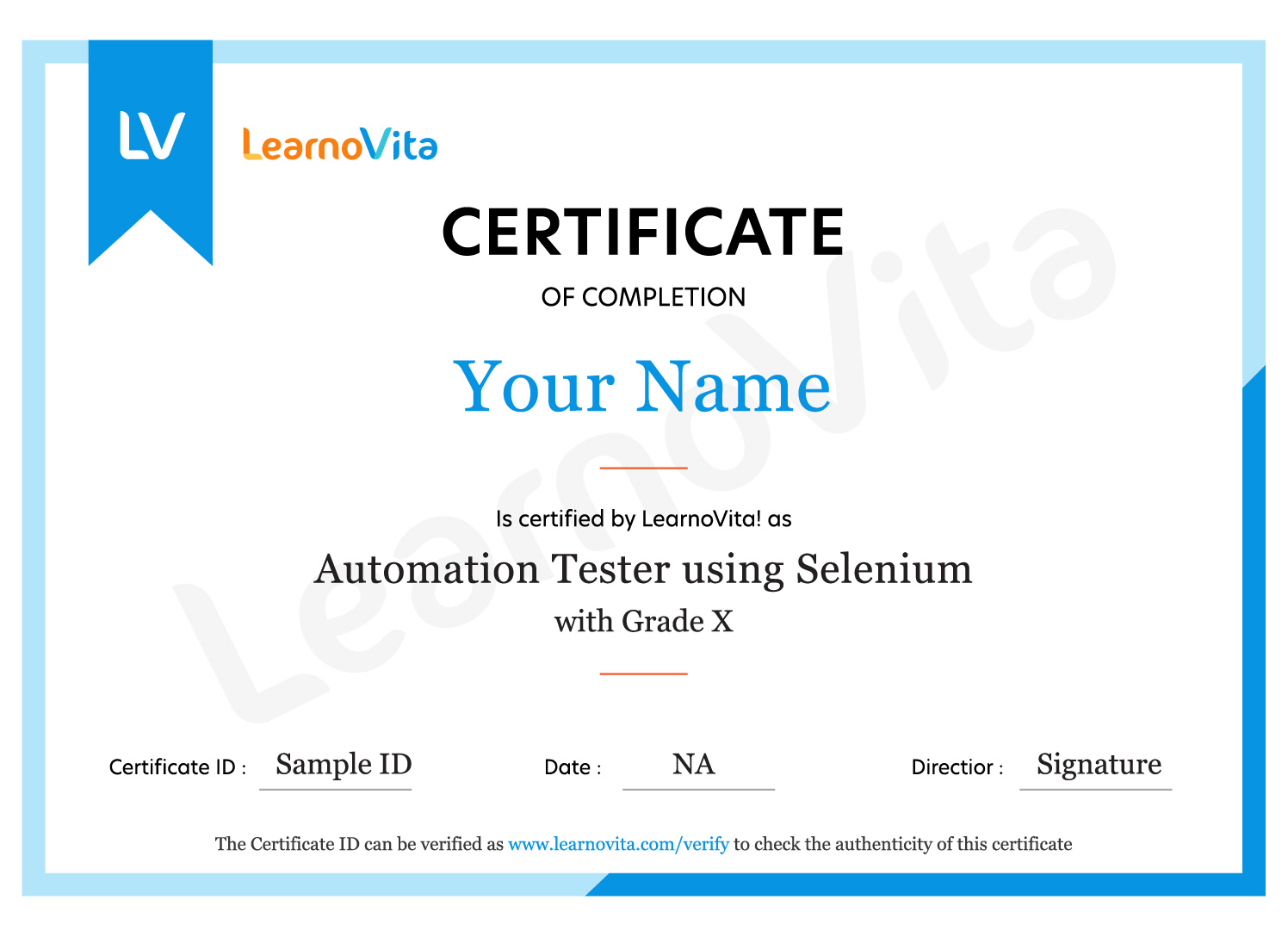
MNC Recognized course
complete certification
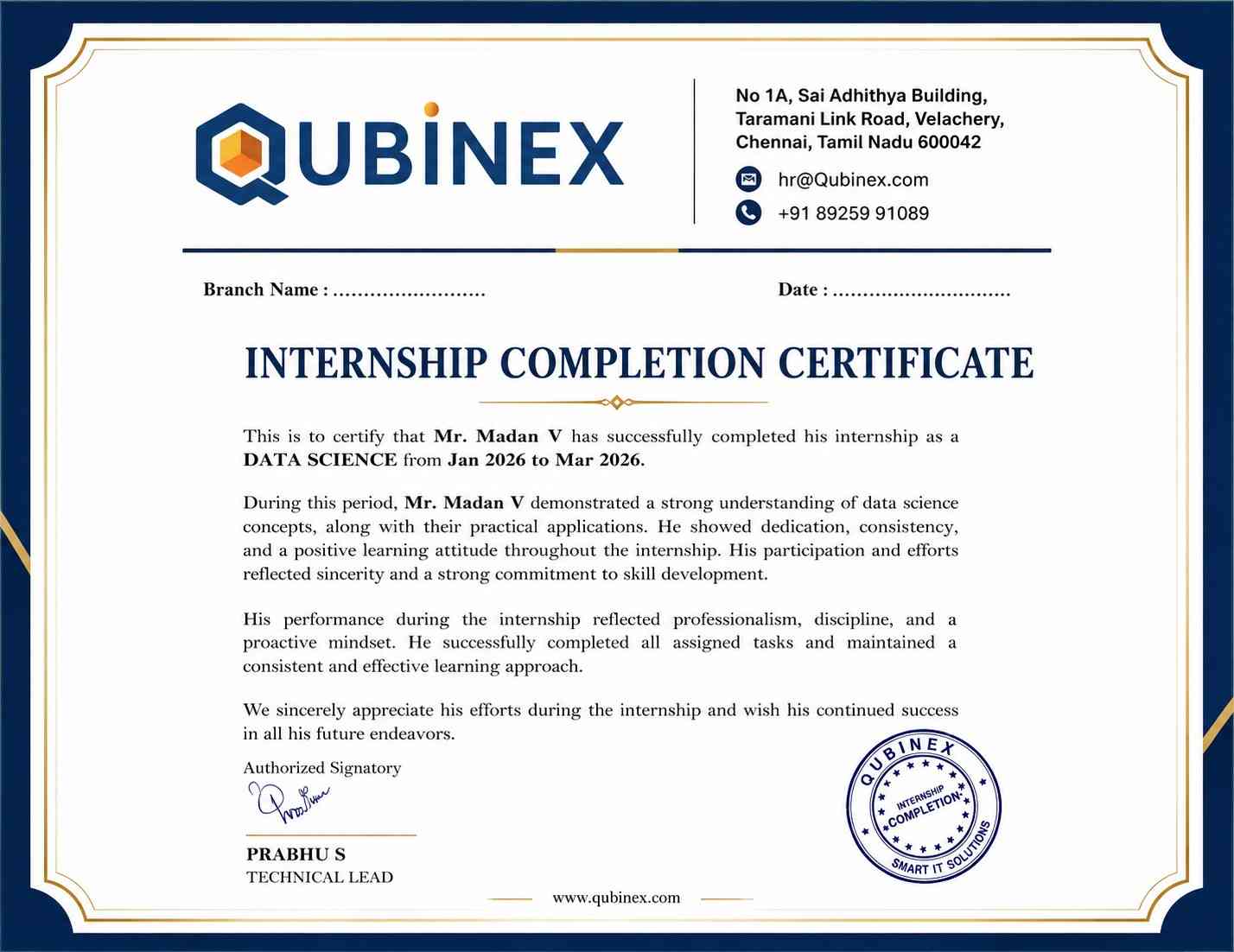
Intership
complete certification

Placement
complete certification
Our learners
transformed their careers

A majority of our alumni
fast-tracked into managerial careers.
Get inspired by their progress in the Career Growth Report.
Our Student Successful Story
 Regular 1:1 Mentorship From Industry Experts
Live Classes
Career Support

Sandeep Kumar D
Software Engineer, Cisco Systems )

Vinoth P
UI Developer, TCS
Vijeyalakshme kannan
QA Engineer, Amazon Development Center
Pranav Srinivas
Software Testing, Capgemini
Prasanna
SAP Admin, HCLHow are the MATLAB Course with LearnoVita Different?
Feature
LearnoVita
Other Institutes
Affordable Fees
Competitive Pricing With Flexible Payment Options.
Higher MATLAB Fees With Limited Payment Options.
Live Class From ( Industry Expert)
Well Experienced Trainer From a Relevant Field With Practical MATLAB Training
Theoretical Class With Limited Practical
Updated Syllabus
Updated and Industry-relevant MATLAB Course Curriculum With Hands-on Learning.
Outdated Curriculum With Limited Practical Training.
Hands-on projects
Real-world MATLAB Projects With Live Case Studies and Collaboration With Companies.
Basic Projects With Limited Real-world Application.
Certification
Industry-recognized MATLAB Certifications With Global Validity.
Basic MATLAB Certifications With Limited Recognition.
Placement Support
Strong Placement Support With Tie-ups With Top Companies and Mock Interviews.
Basic Placement Support
Industry Partnerships
Strong Ties With Top Tech Companies for Internships and Placements
No Partnerships, Limited Opportunities
Batch Size
Small Batch Sizes for Personalized Attention.
Large Batch Sizes With Limited Individual Focus.
Additional Features
Lifetime Access to MATLAB Course Materials, Alumni Network, and Hackathons.
No Additional Features or Perks.
Training Support
Dedicated Mentors, 24/7 Doubt Resolution, and Personalized Guidance.
Limited Mentor Support and No After-hours Assistance.
MATLAB Course FAQ's
- Placement support helps learners explore relevant job opportunities and understand employer expectations for MATLAB-related roles.
- Eligible learners may receive career guidance, resume preparation support, and assistance with interview opportunities, subject to the institute's placement policies.
- Interview preparation may cover MATLAB programming, numerical analysis, data processing, simulation techniques, and technical problem-solving.
- Practical projects help learners demonstrate their knowledge of MATLAB functions, algorithms, visualization, and computational methods.
- Mock interviews and communication practice can help participants improve their confidence when applying for technical positions. Employment depends on individual skills, qualifications, performance, and available vacancies.
- Learners can check the student portal for available job information, learning resources, recorded sessions, and interview preparation materials, where provided.

- Build a Powerful Resume for Career Success
- Get Trainer Tips to Clear Interviews
- Practice with Experts: Mock Interviews for Success
- Crack Interviews & Land Your Dream Job
Global Quality Training
At The Lowest Fees & Expert Trainer








Need custom pricing?

