Home » Others Courses » Microsoft Office Course in Marathahalli

Microsoft Office Course in Marathahalli

(4.8) 19236 Ratings
  • Enroll in the Microsoft Office Course in Marathahalli to build proficiency in office tools.
  • Learn key Microsoft Office applications including Word, Excel, PowerPoint and Outlook.
  • Gain hands-on experience through real-time Microsoft Office practical training.
  • Ideal for aspiring Office Administrators, Business Professionals and Data Entry Operators.
  • Choose from Flexible Batch Timings: Weekday, Weekend, or Fast-Track Learning Schedules.
  • Benefit from Placement Assistance, Interview Preparation, and Microsoft Office Certification Guidance.

Course Duration

55+ Hrs

Live Project

3 Project

Certification Pass

Guaranteed

Training Format

Live Online (Expert Trainers)
Quality Training With Affordable Fee

⭐ Fees Starts From

INR 38,000
INR 18,500

12057+

Professionals Trained

10+

Batches every month

3956+

Placed Students

265+

Corporate Served

What You'll Learn

Microsoft Office Course in Marathahalli builds essential skills in document creation, spreadsheet handling, and email communication.

Master Word, Excel, PowerPoint, and Outlook through practical lessons covering document formatting, spreadsheet functions, and email management.

Practice creating business documents, organizing spreadsheet data, applying formulas, designing presentations, and managing workplace.

Gain practical exposure through office assignments, spreadsheet exercises, document preparation, presentation projects, and everyday administrative.

Explore Excel data analysis, charts, advanced formulas, Word layouts, PowerPoint animations, Outlook scheduling, and productivity features.

Build job-ready Microsoft Office expertise for opportunities as an office administrator, administrative assistant, or business support executive.

A Fundamental Overview of Microsoft Office

The Microsoft Office Course in Marathahalli focuses on building essential workplace skills using Microsoft Word, Excel, PowerPoint, Outlook, and other productivity applications. Participants learn to prepare professional documents, organize and analyze data, create engaging presentations, manage emails, and streamline everyday office tasks through practical exercises. The program combines instructor-guided learning with real-world assignments and offers classroom, online, weekend, and flexible training sessions to suit different learning needs. This course helps students, fresh graduates, and working professionals strengthen their digital skills, improve work efficiency, and prepare for career opportunities in administration, accounting, education, business operations, and corporate environments.

Additional Info

Emerging Future Trends in Microsoft Office Course Internship in Marathahalli

  • AI-Powered Productivity Enhancements: Microsoft Office Course in Marathahalli introduces learners to evolving AI-powered features that simplify everyday office tasks. Intelligent writing assistance, automated formatting, data analysis, and content suggestions help professionals complete assignments efficiently. Understanding these innovations prepares learners to improve workplace productivity, reduce repetitive work, and adapt to modern digital business environments.
  • Cloud-Based Team Collaboration: Microsoft Office Training in Marathahalli explores cloud-enabled collaboration through Microsoft Teams, OneDrive, and SharePoint. Learners understand shared document editing, online meetings, file synchronization, and version management. These capabilities support effective communication, improve team coordination, and enable professionals to collaborate securely on projects from different locations.
  • Mobile Productivity Solutions: The Microsoft Office Course in Marathahalli helps learners understand how Office applications support productivity across smartphones, tablets, and laptops. Mobile-friendly document editing, spreadsheet management, presentation tools, and email access allow professionals to complete essential tasks while travelling or working remotely, offering greater flexibility in today's digital workplace.
  • Advanced Data Visualization: Modern Office applications provide improved capabilities for transforming complex information into meaningful insights. Learners explore Excel charts, PivotTables, interactive dashboards, and data presentation techniques. These skills help professionals identify patterns, communicate findings clearly, and support informed business decisions across finance, marketing, administration, and operations.
  • Improved Data Security: Microsoft Office Training in Marathahalli introduces essential practices for protecting business documents and sensitive information. Learners understand access permissions, secure file sharing, password protection, and available data protection features. These practices promote responsible information handling and help professionals maintain confidentiality while working with organizational records and collaborative documents.
  • Personalized Office Workflows: Flexible templates, customized shortcuts, reusable formatting styles, and application settings help users create efficient workflows. Through practical Microsoft Office exercises, learners discover ways to organize documents, simplify recurring tasks, and personalize their workspace. These techniques improve consistency, save time, and support individual productivity requirements.
  • Voice Assistance and Accessibility: Voice typing, speech recognition, translation capabilities, and accessibility tools are improving how users interact with Office applications. Learners explore features that support document creation, communication, and inclusive collaboration. Understanding these tools helps professionals work more comfortably, improve accessibility, and communicate effectively across diverse workplace environments.
  • Continuous Application Development: Microsoft Office continues to evolve through application updates, enhanced automation, improved accessibility, and connected productivity services. Learners in Marathahalli can build adaptable skills by exploring new features and practical workflows. Staying familiar with these developments supports professional growth and prepares individuals for changing administrative and business requirements.

Essential Tools Covered in Microsoft Office Training Placement in Marathahalli

  • Microsoft Word: Microsoft Word enables learners to create professional documents, reports, letters, and business proposals. The Microsoft Office Course in Marathahalli covers text formatting, page layouts, tables, images, templates, proofreading, and document organization. These capabilities help professionals prepare polished documents, maintain consistency, and communicate information clearly in academic and corporate environments.
  • Microsoft Excel: Excel supports spreadsheet creation, numerical calculations, data organization, and business reporting. Learners practise formulas, functions, conditional formatting, sorting, filtering, charts, and PivotTables. Microsoft Office Training in Marathahalli develops practical Excel skills that help users analyze information, monitor budgets, manage records, and prepare meaningful reports for everyday business decisions.
  • Microsoft PowerPoint: PowerPoint helps learners design structured and visually appealing presentations for meetings, training sessions, and business proposals. Training covers slide layouts, themes, animations, transitions, multimedia integration, and presentation delivery. These techniques enable professionals to explain ideas effectively, organize information logically, and deliver engaging presentations to clients, colleagues, and stakeholders.
  • Microsoft Outlook: Outlook combines email communication, calendar scheduling, contact management, and task organization within one application. Learners practise composing professional emails, arranging meetings, managing appointments, organizing messages, and configuring reminders. These skills improve communication, support efficient time management, and help administrative professionals coordinate daily activities in busy workplaces.
  • Microsoft OneNote: OneNote provides a digital workspace for recording, organizing, and sharing information. Learners discover how to create notebooks, arrange sections, capture meeting notes, insert images, and organize reference materials. Microsoft Office Training in Marathahalli demonstrates how digital note-taking supports collaboration, knowledge management, and convenient access to important information across devices.
  • Microsoft Access: Microsoft Access helps users develop and maintain structured databases for business information. Training introduces tables, queries, forms, relationships, and reports for organizing records efficiently. Learners understand how database management supports inventory tracking, customer information, and operational reporting, making Access useful for professionals handling structured information in administrative environments.
  • Microsoft Teams: Microsoft Teams supports workplace communication through messaging, video meetings, file sharing, and collaborative workspaces. Learners explore meeting scheduling, team channels, document collaboration, and integration with Microsoft 365 applications. These practical skills help professionals coordinate assignments, exchange information, and participate effectively in distributed teams and digital work environments.
  • Microsoft Publisher: Microsoft Publisher has traditionally supported the creation of brochures, flyers, newsletters, and promotional materials through desktop publishing tools. Learners can understand page layouts, typography, templates, and visual composition for professional publications. Publisher availability depends on the Microsoft Office version and licensing, so learners should also consider supported alternatives when required.

Career Opportunities After Microsoft Office Course in Marathahalli

  • Administrative Assistant: Administrative assistants use Microsoft Word, Excel, and Outlook to prepare correspondence, maintain records, schedule meetings, and organize office documents. Their responsibilities include managing calendars, updating spreadsheets, preparing reports, and coordinating routine communication. Microsoft Office skills help them maintain accurate information, streamline administrative activities, and support smooth daily business operations.
  • Data Analyst: Data analysts use Excel functions, PivotTables, charts, and reporting tools to organize datasets and identify business trends. Their responsibilities include validating information, preparing summaries, creating visual reports, and supporting evidence-based decisions. Microsoft Office Training in Marathahalli develops foundational spreadsheet skills that complement further learning in SQL, Power BI, and advanced analytics platforms.
  • Executive Assistant: Executive assistants support managers and senior leaders by coordinating schedules, arranging meetings, preparing presentations, and managing confidential correspondence. They use Word for documentation, Excel for tracking information, PowerPoint for presentations, and Outlook for communication. Strong Office proficiency helps them organize priorities, maintain accurate records, and coordinate executive activities efficiently.
  • Marketing Coordinator: Marketing coordinators use Office applications to prepare promotional documents, organize campaign information, create presentations, and monitor marketing performance. Excel supports campaign tracking and reporting, while Word and PowerPoint assist with proposals and presentations. These skills help marketing teams communicate strategies, coordinate activities, and review campaign results effectively.
  • Project Coordinator: Project coordinators use Microsoft Office tools to maintain project schedules, prepare documentation, track budgets, and communicate progress. Excel helps organize task lists and project data, while Word and PowerPoint support reports and stakeholder presentations. These capabilities improve coordination, documentation accuracy, and visibility into project activities across different departments.
  • Human Resources Coordinator: HR coordinators use Word, Excel, and Outlook to maintain employee records, organize recruitment activities, schedule interviews, and prepare training documents. They may also track attendance, manage onboarding information, and prepare HR reports. Microsoft Office skills help them handle routine administrative responsibilities while maintaining organized records and supporting employee-related processes.
  • Financial Analyst: Financial analysts use Excel formulas, financial functions, PivotTables, and charts to prepare budgets, compare performance, and develop forecasts. They organize financial information, analyze variances, and present findings to management. PowerPoint supports the communication of financial insights and recommendations, while spreadsheet proficiency provides a foundation for more advanced financial modeling and reporting.
  • Office Manager: Office managers coordinate administrative operations, maintain documentation, schedule meetings, and monitor office resources. They rely on Word, Excel, and Outlook to organize records, track supplies, manage communication, and prepare operational reports. Proficiency in Microsoft Office helps improve workflow consistency, support staff coordination, and maintain efficient day-to-day office administration.

Companies Hiring Professionals with Microsoft Office Skills

  • Microsoft Corporation: Microsoft offers opportunities across technology, sales, administration, customer support, and business operations. Depending on the position, employees may use Office applications for documentation, spreadsheet analysis, presentations, scheduling, and team collaboration. Microsoft Office proficiency supports everyday workplace activities, although technical and specialist positions generally require additional role-specific qualifications.
  • Deloitte: Deloitte recruits professionals across consulting, auditing, financial advisory, and business services. Microsoft Excel supports data analysis and reporting, while Word and PowerPoint assist with documentation and client presentations. Office proficiency is valuable for organizing information, preparing business deliverables, and communicating findings, alongside the technical or professional qualifications required for specific roles.
  • Accenture: Accenture provides opportunities in consulting, technology, operations, and business process services. Professionals may use Microsoft Office applications to prepare project reports, analyze information, coordinate schedules, and present recommendations. Strong spreadsheet and presentation skills can support workplace effectiveness, while candidates may need additional domain knowledge or technical expertise depending on the position.
  • IBM: IBM recruits professionals across consulting, technology services, project delivery, and business operations. Microsoft Office tools can support documentation, data organization, presentations, and communication with project stakeholders. Candidates with Office proficiency may find these skills useful in administrative and business-focused positions, while specialized technology roles generally require relevant technical experience and qualifications.
  • Amazon: Amazon offers career opportunities in operations, customer service, sales, logistics, and corporate functions. Excel can help employees maintain operational records, analyze performance metrics, and prepare reports, while Word and Outlook support documentation and communication. Microsoft Office knowledge is useful for many business roles, with additional requirements varying by team and job responsibilities.
  • PwC: PwC operates across auditing, tax, consulting, and advisory services. Professionals frequently use Excel for financial analysis, Word for business documentation, and PowerPoint for client presentations. These applications support reporting accuracy, data organization, and professional communication. Candidates may also need accounting knowledge, industry expertise, or other qualifications relevant to their chosen career path.
  • Ernst & Young (EY): EY provides opportunities in assurance, consulting, tax, and business advisory services. Microsoft Office applications help employees analyze information, prepare reports, organize project documents, and communicate recommendations. Excel and PowerPoint are particularly useful in analytical and client-facing responsibilities, while specific positions may require relevant degrees, professional certifications, or specialized experience.
  • Google: Google recruits professionals across administration, sales, marketing, operations, and technology. Microsoft Office proficiency can support documentation, spreadsheet management, reporting, and presentation preparation in roles that use these applications. Candidates should also be comfortable with relevant collaboration platforms and role-specific tools, as application requirements differ across teams and responsibilities.
  • Bank of America: Bank of America offers career opportunities in banking, finance, risk management, customer service, and corporate operations. Microsoft Excel supports reporting, data organization, and financial analysis, while Word and PowerPoint assist with documentation and presentations. Office skills can strengthen a candidate's administrative and analytical capabilities, alongside the financial knowledge required for specialized roles.
  • Walmart: Walmart recruits professionals in retail operations, supply chain management, finance, human resources, and corporate administration. Microsoft Office applications help employees monitor inventory, maintain schedules, organize operational records, and prepare business reports. Excel is particularly useful for tracking performance and analyzing data, while communication and domain-specific skills remain important for career progression.
View more

Microsoft Office Course Objectives

Learners enrolling in the Microsoft Office Course in Marathahalli can begin with basic computer knowledge and an interest in developing workplace productivity skills. Understanding fundamental file operations, typing, and general software usage is helpful but not mandatory for beginners. The course gradually introduces essential Office functions, helping participants build confidence in document preparation, spreadsheet operations, data organization, and professional presentations.
Microsoft Office expertise is valuable across multiple business sectors where documentation, reporting, communication, and data management are essential. Common industries include:
  • Banking, Finance, and Accounting
  • Healthcare and Hospital Administration
  • Education and Academic Management
  • Marketing, Sales, and Business Development
  • Legal Services and Corporate Administration
The Microsoft Office Course in Marathahalli is suitable for students, fresh graduates, working professionals, job seekers, and individuals planning to strengthen their computer application skills. Administrative staff, office coordinators, data entry operators, business executives, and aspiring data analysts can benefit from practical training in document formatting, spreadsheet calculations, database handling, and presentation development. The program also helps professionals improve efficiency in everyday workplace activities.
Learnovita provides structured Microsoft Office learning resources to support concept development and regular practice. Participants can work with guided tutorials, application-based exercises, reference notes, practical assignments, and project activities. These Microsoft Office Course Materials help learners understand important features, revise key concepts, and apply their knowledge to common business tasks involving reports, spreadsheets, emails, and presentations.
Yes, the Microsoft Office Training in Marathahalli emphasizes hands-on learning through guided exercises and workplace-oriented assignments. Learners practise preparing formatted documents in Word, using formulas and functions in Excel, creating engaging presentations in PowerPoint, managing emails through Outlook, and organizing information in Access. Practical activities help participants strengthen accuracy, improve task completion speed, and apply their skills to everyday professional responsibilities.
Developing Microsoft Office proficiency can support applications for entry-level and administrative positions across different industries. Depending on previous qualifications, work experience, and additional skills, learners may explore roles such as:
  • Office Administrator
  • Data Entry Executive
  • Administrative Assistant
  • Business Support Coordinator
  • Project Support Assistant
  • Reporting and Operations Executive
Learnovita's Microsoft Office Course in Marathahalli focuses on practical application skills that can strengthen a learner's professional profile. Career assistance may include resume preparation guidance, interview practice, and information about relevant job opportunities. Although training and placement support can improve job readiness, employment depends on individual performance, qualifications, experience, and employer requirements.
The training introduces widely used Microsoft Office applications and explains how they support different workplace requirements. Depending on the selected course level, the tools covered include:
  • Microsoft Word for Document Creation and Formatting
  • Microsoft Excel for Formulas, Functions, and Data Analysis
  • Microsoft PowerPoint for Presentation Design
  • Microsoft Outlook for Email and Calendar Management
  • Microsoft Access for Database Organization and Queries
Enrolling in Microsoft Office Training in Marathahalli helps learners develop practical computer application skills for academic and professional environments. The program strengthens document management, spreadsheet calculations, reporting, email communication, and presentation techniques. With guided practice and structured learning materials, participants can improve productivity, handle routine office responsibilities more confidently, and prepare for roles that require Microsoft Office proficiency.
The Microsoft Office Course syllabus covers essential application features alongside practical workplace tasks. Core learning areas generally include:
  • Microsoft Word: Document Formatting, Templates, Tables, and Professional Reports
  • Microsoft Excel: Formulas, Functions, Charts, PivotTables, and Data Management
  • Microsoft PowerPoint: Slide Layouts, Visual Design, Animations, and Presentation Delivery
  • Microsoft Outlook: Email Organization, Calendar Scheduling, and Task Management
  • Microsoft Access: Tables, Relationships, Queries, Forms, and Reports
view More view Less

MicroSoft Office Course Benefits

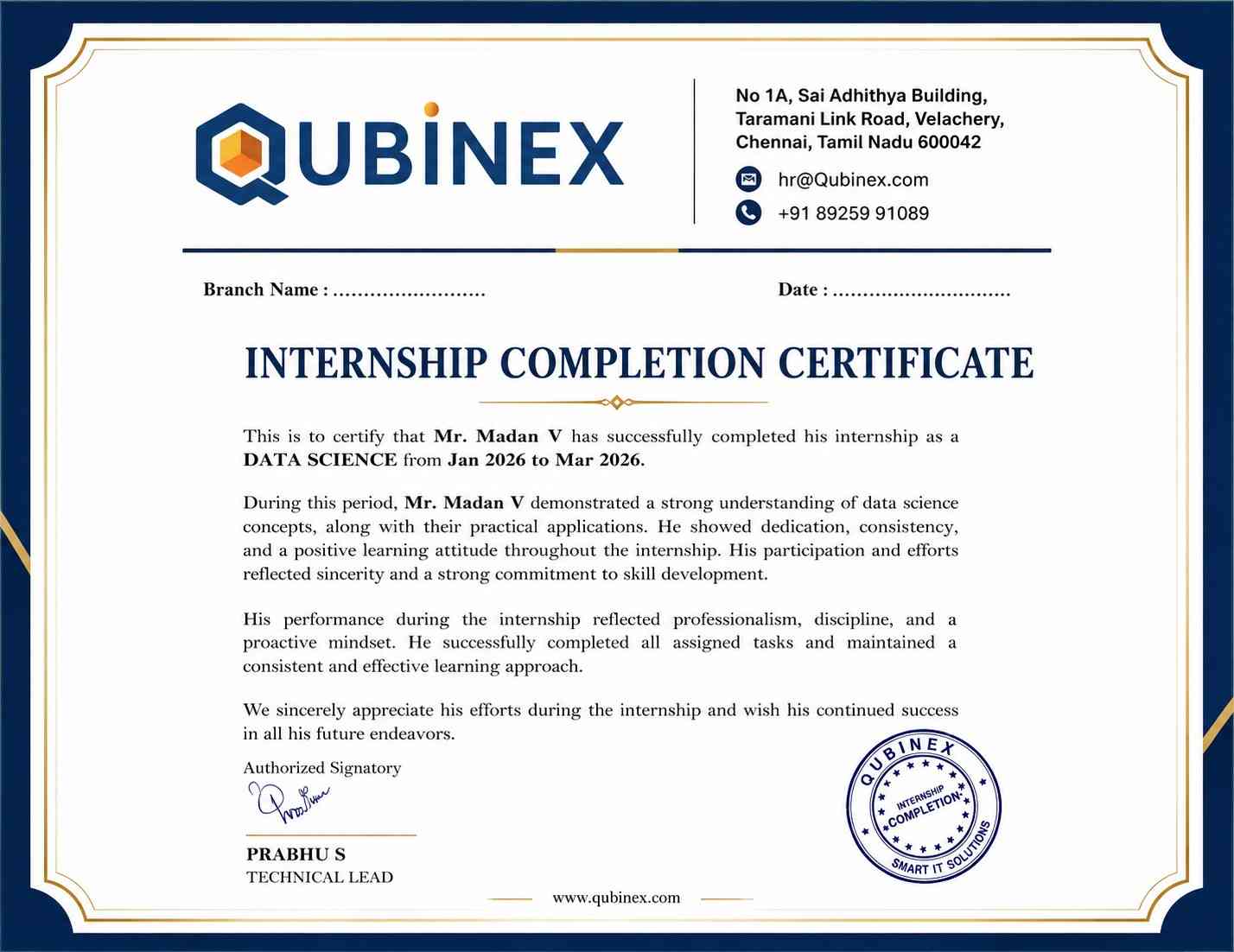
The Microsoft Office Course in Marathahalli focuses on building essential workplace skills in document formatting, spreadsheet management, professional presentations, email communication, and office administration. Through practical demonstrations, guided exercises, and task-based learning, participants develop the confidence to handle daily business operations efficiently. The program also incorporates Microsoft Office Internship opportunities and Microsoft Office Projects, allowing learners to apply their knowledge to real-world assignments, organize business data, prepare professional reports, and improve productivity in various workplace environments while enhancing their overall professional capabilities.

  • Designation
  • Annual Salary
    Hiring Companies
  • 3.24L
    Min
  • 6.5L
    Average
  • 14.5L
    Max
  • 4.50L
    Min
  • 8.5L
    Average
  • 16.5L
    Max
  • 4.0L
    Min
  • 6.5L
    Average
  • 13.5L
    Max
  • 3.24L
    Min
  • 6.5L
    Average
  • 12.5L
    Max

About Microsoft Office Course

The Microsoft Office Course in Marathahalli focuses on developing practical proficiency in essential workplace applications, including Microsoft Word, Excel, PowerPoint, Outlook, and other productivity tools. Learners participate in hands-on exercises, guided practice sessions, real-time assignments, and workplace-based activities to strengthen their skills in document formatting, spreadsheet management, email communication, data organization, and professional presentation creation. The Microsoft Office With Placement program emphasizes job-oriented training through Excel formulas, data analysis tasks, document preparation, presentation development, and office administration scenarios. Comprehensive Microsoft Office Material is provided to support continuous learning, revision, and practical application, helping participants build confidence and prepare for administrative, data entry, and other office-based professional roles.

Top Skills You Will Gain
  • Document Formatting
  • Data Analysis
  • Slide Design
  • Mail Merge
  • Chart Creation
  • Formula Usage
  • Table Management
  • Template Editing

12+ MicroSoft Office Tools

Online Classroom Batches Preferred

Weekdays (Mon - Fri)
02 - Nov - 2026
08:00 AM (IST)
Weekdays (Mon - Fri)
04 - Nov - 2026
08:00 AM (IST)
Weekend (Sat)
07 - Nov - 2026
11:00 AM (IST)
Weekend (Sun)
08 - Nov - 2026
11:00 AM (IST)
Can't find a batch you were looking for?
₹38,000 ₹18,500 10% OFF Expires in

No Interest Financing start at ₹ 5000 / month

Corporate Training

  • Customized Learning
  • Enterprise Grade Learning Management System (LMS)
  • 24x7 Support
  • Enterprise Grade Reporting

Not Just Studying
We’re Doing Much More!

Empowering Learning Through Real Experiences and Innovation
Hiring
Hiring
Hiring
Hiring
Hiring
Hiring
Hiring
User
User
User
User
User
User

Microsoft Office Course Curriculum

Trainers Profile

The Microsoft Office Course in Marathahalli focuses on developing essential workplace skills through hands-on practice with Microsoft Word, Excel, PowerPoint, Outlook, and other Office tools. The training helps learners create professional documents, organize and analyze data, prepare effective presentations, manage emails, and generate accurate reports. Practical assignments, guided demonstrations, and structured Microsoft Office Course Materials enable participants to apply their knowledge confidently and improve their productivity in academic and professional settings.

Syllabus of MicroSoft Office Course Download syllabus

  • Overview of Microsoft Office Suite
  • History and evolution
  • Importance and applications in various fields
  • Versions and editions
  • Installation and system requirements
  • Introduction to Microsoft Word
  • Creating, saving, and opening documents
  • Formatting text and paragraphs
  • Working with styles and themes
  • Inserting and formatting images
  • Working with tables and charts
  • Using advanced formatting tools
  • Mail merge and labels
  • Creating and managing templates
  • Protecting documents
  • Introduction to Microsoft Excel
  • Creating, saving, and opening workbooks
  • Entering and formatting data
  • Working with formulas and functions
  • Managing worksheets and workbooks
  • Advanced formulas and functions
  • Data analysis tools
  • PivotTables and PivotCharts
  • Conditional formatting
  • Macros and automation
  • Introduction to Microsoft PowerPoint
  • Adding and formatting slides
  • Inserting and editing multimedia
  • Applying transitions and animations
  • Speaker notes and presenter view
  • Integrating Office applications
  • Using Office Online and cloud storage
  • Collaborative editing and sharing
  • Automating tasks with Office scripts
  • Advanced cross-application functionalities
  • Best practices for efficient workflow
  • Customizing email settings and rules
  • Managing multiple email accounts
  • Using advanced calendar features
  • Using Outlook for project management
  • Troubleshooting common Outlook issues
  • Working with audio and video recordings
  • Using drawing tools and handwriting recognition
  • Searching and organizing notes effectively
  • Sharing and syncing notebooks
  • Version history and backups
  • Creating calculated fields and expressions
  • Using macros for automation
  • Importing and exporting data
  • Building user-friendly interfaces
  • Database security and permissions
  • Customizing Access settings
(15) view More view Less
Need customized curriculum?

REAL

start
STORIES SUCCESS INSPIRATION
CAREER
UPGRADE
sowmiya

sowmiya

CAREER
UPGRADE
Rajkumar

Rajkumar

CAREER
UPGRADE
Thon

Thon

CAREER
UPGRADE
lavanya

Lavanya

Industry Projects

Project 1
Automated Business Reporting

Build automated business reports using Excel formulas, PivotTables, and Word templates to simplify data analysis and improve reporting accuracy.

Project 2
Dynamic Sales Presentation

Create engaging PowerPoint presentations with multimedia, interactive charts, animations, and transitions to communicate sales insights effectively.

Project 3
Project Tracking Dashboard

Develop an Excel dashboard to monitor project schedules, milestones, and resources using Gantt charts, conditional formatting, and data validation.

Our Hiring Partner

Exam & Microsoft Office Certification

  • Basic computer operation skills
  • Familiarity with office productivity applications
  • Fundamental document creation and editing knowledge
  • Basic understanding of spreadsheets and presentation tools
  • No previous professional experience with Microsoft Office is necessary
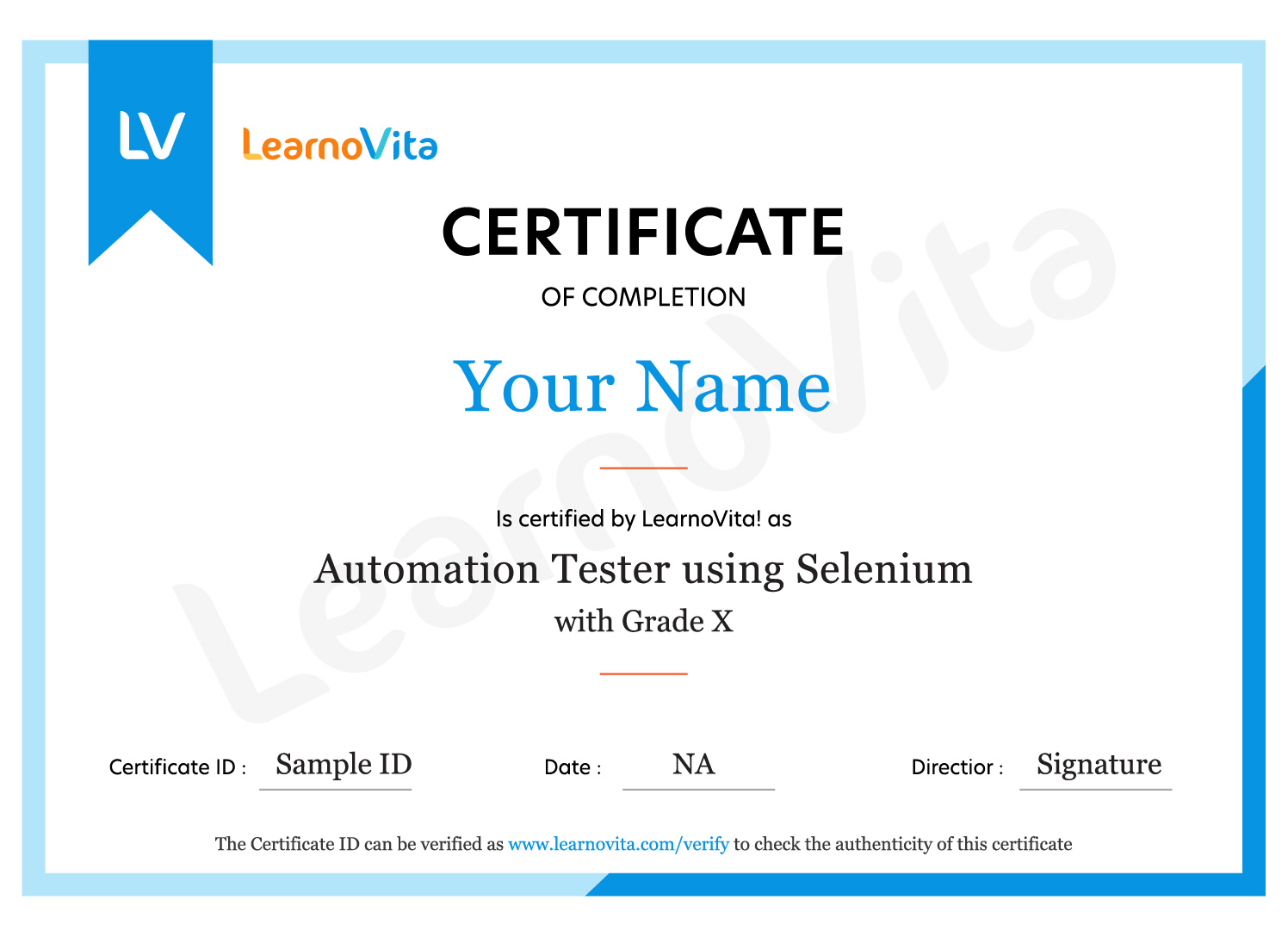
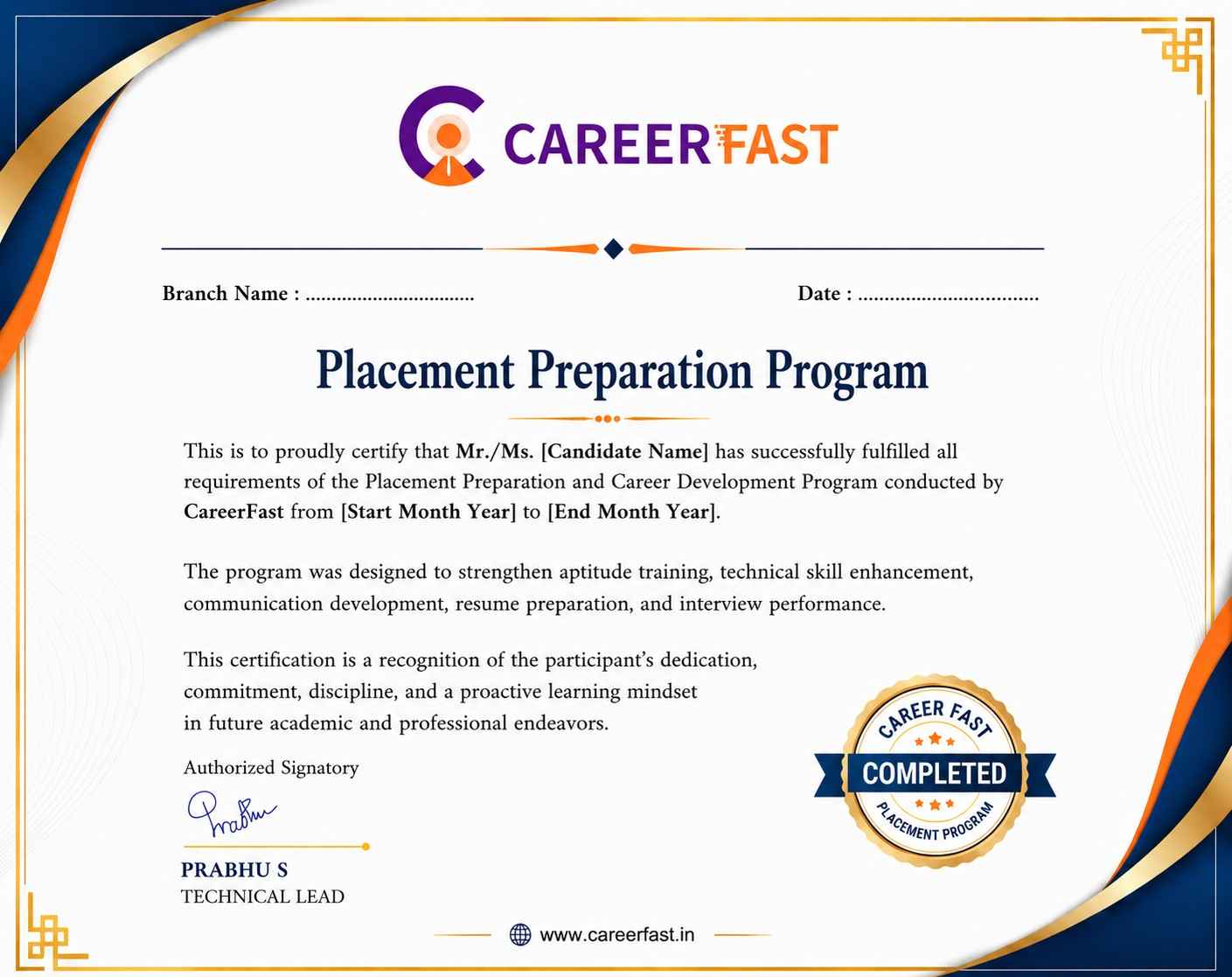
Microsoft Office certification validates your ability to manage documents, organize spreadsheet data, create professional presentations, handle emails, and use workplace productivity tools effectively. It strengthens your professional profile and helps you explore career opportunities in administration, finance, business operations, education, customer service, and corporate environments.
Microsoft Office certification demonstrates your proficiency in essential workplace applications and office productivity tasks. While certification alone cannot guarantee employment, the practical exercises and application skills gained through the Microsoft Office Course in Marathahalli can improve your employability when combined with communication abilities and relevant experience.
  • Office Administrator
  • Administrative Assistant
  • Data Entry Specialist
  • Office Operations Coordinator
  • Customer Support Executive
  • Business Operations Assistant
Microsoft Office certification helps learners strengthen their skills in document preparation, spreadsheet calculations, data organization, presentation design, and professional communication. The Microsoft Office Course in Marathahalli emphasizes practical application and workplace efficiency, helping learners prepare for greater responsibilities in administrative, financial, and business operations.

MNC Recognized course
complete certification
Intership
complete certification
Placement
complete certification

Our learners
transformed their careers

35 Laks
Highest Salary Offered
50%
Average Salary Hike
30K+
Placed in MNC's
15+
Year's in Training
Our Alumni
Alumni

A majority of our alumni

fast-tracked into managerial careers.

Get inspired by their progress in the Career Growth Report.

Our Student Successful Story

checkimage Regular 1:1 Mentorship From Industry Experts checkimage Live Classes checkimage Career Support

How are the MicroSoft Office Course with LearnoVita Different?

Feature

LearnoVita

Other Institutes

Affordable Fees

Competitive Pricing With Flexible Payment Options.

Higher MicroSoft Office Fees With Limited Payment Options.

Live Class From ( Industry Expert)

Well Experienced Trainer From a Relevant Field With Practical MicroSoft Office Training

Theoretical Class With Limited Practical

Updated Syllabus

Updated and Industry-relevant MicroSoft Office Course Curriculum With Hands-on Learning.

Outdated Curriculum With Limited Practical Training.

Hands-on projects

Real-world MicroSoft Office Projects With Live Case Studies and Collaboration With Companies.

Basic Projects With Limited Real-world Application.

Certification

Industry-recognized MicroSoft Office Certifications With Global Validity.

Basic MicroSoft Office Certifications With Limited Recognition.

Placement Support

Strong Placement Support With Tie-ups With Top Companies and Mock Interviews.

Basic Placement Support

Industry Partnerships

Strong Ties With Top Tech Companies for Internships and Placements

No Partnerships, Limited Opportunities

Batch Size

Small Batch Sizes for Personalized Attention.

Large Batch Sizes With Limited Individual Focus.

Additional Features

Lifetime Access to MicroSoft Office Course Materials, Alumni Network, and Hackathons.

No Additional Features or Perks.

Training Support

Dedicated Mentors, 24/7 Doubt Resolution, and Personalized Guidance.

Limited Mentor Support and No After-hours Assistance.

Microsoft Office Course FAQs in Marathahalli

Yes, learners can explore the training approach through an available demo session before enrolling. Since live classes have limited seats to maintain training quality and encourage interaction, attending a regular session without registration may not always be possible. Alternatively, you can request access to a recorded demonstration conducted by the same trainer to understand the teaching methodology, course structure, and practical learning approach.
The Microsoft Office Course in Marathahalli is guided by experienced trainers with industry knowledge and practical expertise in office productivity applications. Learners receive guidance on Microsoft Word, Excel, PowerPoint, Outlook, and other relevant tools through demonstrations, hands-on exercises, and workplace-oriented examples. The training focuses on building confidence in document preparation, spreadsheet analysis, presentations, and professional communication.

Yes, learners may receive career guidance and placement assistance based on the program they enroll in. The support is designed to help candidates prepare for job opportunities that require Microsoft Office proficiency.

  • Develop practical skills in Word, Excel, PowerPoint, Outlook, and other relevant Microsoft Office applications.
  • Strengthen your resume by highlighting spreadsheet analysis, document formatting, presentation creation, and office productivity skills.
  • Improve interview readiness through practice questions, communication guidance, and mock interview sessions where available.
  • Explore suitable job opportunities through available placement support and career guidance services.
  • Learn how Microsoft Office skills are applied in administration, finance, reporting, operations, project coordination, and business support roles.
  • Access the course resources provided with your enrollment to revise concepts and practise essential workplace tasks.
Learners may receive a course completion certificate after fulfilling the program requirements. This certificate can demonstrate your participation and the skills covered during the Microsoft Office training. If you are interested in an official Microsoft credential, the appropriate certification depends on the specific Microsoft Office application and exam you choose. Check the current certification requirements and examination details before registering for an external certification.
Yes, the Microsoft Office training emphasizes practical exercises that help learners apply their knowledge to everyday workplace requirements. Activities may include creating professional documents in Word, using Excel formulas and pivot tables, developing interactive presentations in PowerPoint, organizing emails in Outlook, and preparing business reports. These Microsoft Office Projects help learners improve accuracy, productivity, problem-solving, and confidence in handling office tasks.
Learners can enquire about available classroom and instructor-led online sessions, self-paced learning, one-to-one coaching, weekend batches, and fast-track programs. Availability may vary according to the course schedule and batch requirements. These flexible learning options help students, working professionals, and job seekers select a format that suits their daily commitments and learning objectives while developing essential Microsoft Office skills.
If you miss a class, contact the training team to discuss the available options for covering the missed topics. Depending on the course policy and schedule, you may be able to access session recordings or learning materials, attend a corresponding class in another batch, or arrange a suitable alternative. These options help you stay on track with your Microsoft Office Course syllabus.
For further information about the Microsoft Office Course in Marathahalli, including the syllabus, fees, batch timings, training methods, and course materials, contact the LearnoVita team at contact@learnovita.com. The team can help clarify your questions and provide details about the available training options.
You can begin the enrollment process by visiting the LearnoVita website or contacting the training team for information about the Microsoft Office Course in Marathahalli. Review the syllabus, available batch schedules, course fees, and learning formats before confirming your registration. You can also enquire about practical training, Microsoft Office Materials, and the career support options available with the program.
Online access to Microsoft Office Materials depends on the resources included in your enrollment. Available learning resources may include study notes, practice exercises, application demonstrations, session recordings, and interview preparation questions. These materials allow learners to review important concepts, practise Excel functions, improve document formatting, and strengthen their presentation skills outside regular class hours. Confirm the access period and included resources with the training team.
Batch size depends on the training format and current schedule. Smaller groups can provide more opportunities to interact with the trainer, clarify doubts, and receive guidance during practical exercises. Contact the LearnoVita team to confirm the current batch size for the Microsoft Office Course in Marathahalli and choose a learning format that supports your needs.
Salary expectations vary according to job role, location, experience, industry, and additional technical skills. Microsoft Office proficiency can support opportunities in administration, MIS reporting, business operations, data entry, executive assistance, and reporting-related roles. Candidates with advanced Excel, data analysis, automation, and reporting capabilities may qualify for more specialized positions. Research current job listings and employer requirements to understand the salary range for your target role.
view More view Less
Career Assistance
  • Build a Powerful Resume for Career Success
  • Get Trainer Tips to Clear Interviews
  • Practice with Experts: Mock Interviews for Success
  • Crack Interviews & Land Your Dream Job
100% JOB GUARANTEE

Global Quality Training
At The Lowest Fees & Expert Trainer

AVAILABLE IN:
India Canada USA Singapore UAE Australia EU Germany

Need custom pricing?

4.9/5 from 50k+ students
Acte Technologies WhatsApp
Call Us! Chat With Us