
SharePoint Course in Rajaji Nagar
 17548
Ratings


- Join the SharePoint Course in Rajaji Nagar to develop expertise in document management technologies.
- Explore essential SharePoint concepts, including site creation, document libraries, and content management.
- Gain hands-on experience through SharePoint configuration exercises, and real-time projects.
- Suitable for students, software developers, administrators, IT professionals, and aspiring SharePoint Developers.
- Choose from Flexible Batch Timings: Weekday, Weekend, or Fast-Track Learning Schedules.
- Benefit from Career Guidance, practical SharePoint labs, and industry-oriented project experience.
Course Duration
50+ HrsLive Project
3 ProjectCertification Pass
GuaranteedTraining Format
Live Online (Expert Trainers)Quality Training With Affordable Fee
 Fees Starts From

11365+
Professionals Trained
10+
Batches every month
2154+
Placed Students
175+
Corporate ServedWhat You'll Learn
Understand SharePoint fundamentals, site architecture, collaboration features, document management, and content organization concepts.
Learn SharePoint site creation, list configuration, document libraries, permissions, metadata, and content management techniques.
Explore popular SharePoint tools such as SharePoint Online, Microsoft 365, Power Automate, Power Apps, and Microsoft Teams.
Develop skills in page customization, web parts, document sharing, version control, search configuration, and team collaboration.
Practice workflow automation, access management, list customization, data integration, site administration, and content security.
Apply SharePoint concepts through practical site development exercises, document management activities, and industry-based real-time projects.
SharePoint Course Objectives
- Cloud Collaboration
- Digital Workplaces
- Workflow Automation
- Microsoft Integration
- Enterprise Portals
- SharePoint Administration
- Site Management
- Workflow Automation
- Document Management
- Power Platform
- Information Technology
- Banking Finance
- Healthcare Industry
- Manufacturing Industry
- Government Organizations
- Workflow Automation
- Document Management
- Microsoft Integration
- Practical Projects
- Career Growth
Request more informations
WhatsApp (For Call & Chat):
+91 72003 88604
Benefits of SharePoint Course
The SharePoint Course in Rajaji Nagar focuses on developing hands-on expertise in Microsoft 365, SharePoint administration, document management, team collaboration, site development, and workflow automation. Participants gain practical experience through SharePoint Projects involving site creation, content organization, permission management, and business workflow integration. The program also provides SharePoint Internship opportunities, allowing learners to apply their technical knowledge through practical assignments and gain exposure to real-world business requirements. With guided exercises, industry-based scenarios, and implementation activities, learners can strengthen their capabilities and prepare for career opportunities in SharePoint development, administration, and consulting.
- Job Role
-
Salary Range (Per Annum)Top Hiring Companies








About SharePoint Training
The SharePoint Training in Rajaji Nagar is designed to help learners develop practical expertise in Microsoft SharePoint, document management, enterprise collaboration, and digital workplace solutions using Microsoft 365. The syllabus covers essential topics such as SharePoint fundamentals, site creation, SharePoint Online, document libraries, lists, permissions, metadata management, workflow automation, Power Automate integration, and site administration. Participants strengthen their technical capabilities through guided lab sessions, hands-on exercises, site development activities, document management tasks, and project-based learning that demonstrates real-world SharePoint applications. The program also provides opportunities to work on SharePoint Projects and internship activities, allowing learners to apply their knowledge to industry requirements and prepare for career opportunities in SharePoint development, SharePoint administration, Microsoft 365 management, and enterprise collaboration.
Top Skills You Will Gain
- Site Management
- Workflow Automation
- Document Handling
- Permission Control
- Content Migration
- Cloud Integration
- Problem Solving
- Business Analysis
12+ SharePoint Tools
Online Classroom Batches Preferred
No Interest Financing start at ₹ 5000 / month
Corporate Training
- Customized Learning
- Enterprise Grade Learning Management System (LMS)
- 24x7 Support
- Enterprise Grade Reporting
Not Just Studying
We’re Doing Much More!
Empowering Learning Through Real Experiences and Innovation





SharePoint Course Curriculam
Trainers Profile
Syllabus for SharePoint Course Download syllabus
- SharePoint platform overview basics
- Enterprise collaboration system introduction
- Microsoft 365 ecosystem understanding
- Site architecture fundamentals overview
- Cloud based service concepts
- SharePoint usage fundamentals learning
- Site collection creation process
- Team site configuration setup
- Communication site structure design
- Navigation setup customization options
- Permissions management configuration control
- Site branding customization techniques
- Document library creation setup
- File upload management process
- Version control handling system
- Metadata tagging configuration usage
- Document sharing security control
- File organization structure setup
- User role assignment process
- Security group management setup
- Access level configuration control
- Authentication system integration setup
- Permission inheritance management rules
- Data protection configuration setup
- Workflow design creation process
- Approval automation setup system
- Business process configuration flow
- Task assignment automation rules
- Notification system integration setup
- Process optimization techniques usage
- Microsoft 365 integration usage
- Cloud storage management system
- OneDrive synchronization setup process
- Teams collaboration integration setup
- Power Automate workflow usage
- Power Apps customization tools
- Content publishing process setup
- Page design customization tools
- Information architecture planning system
- Content lifecycle management flow
- Template creation customization usage
- Publishing workflow configuration setup
- Graph API integration usage
- External system connection setup
- Data synchronization process flow
- Third party integration tools
- Service connectivity configuration setup
- Application extension development process
- Power BI dashboard creation
- Data visualization reporting system
- Business intelligence integration setup
- Performance tracking analytics usage
- KPI monitoring dashboard setup
- Report automation generation system
- Hybrid deployment configuration setup
- Cloud migration strategies usage
- AI integration automation features
- Advanced security implementation system
- Enterprise scalability architecture design
- Future SharePoint innovations study
Request more informations
WhatsApp (For Call & Chat):
+91 72003 88604
REAL

UPGRADE

sowmiya

UPGRADE

Rajkumar

UPGRADE

Thon
UPGRADE

Lavanya

Industry Projects
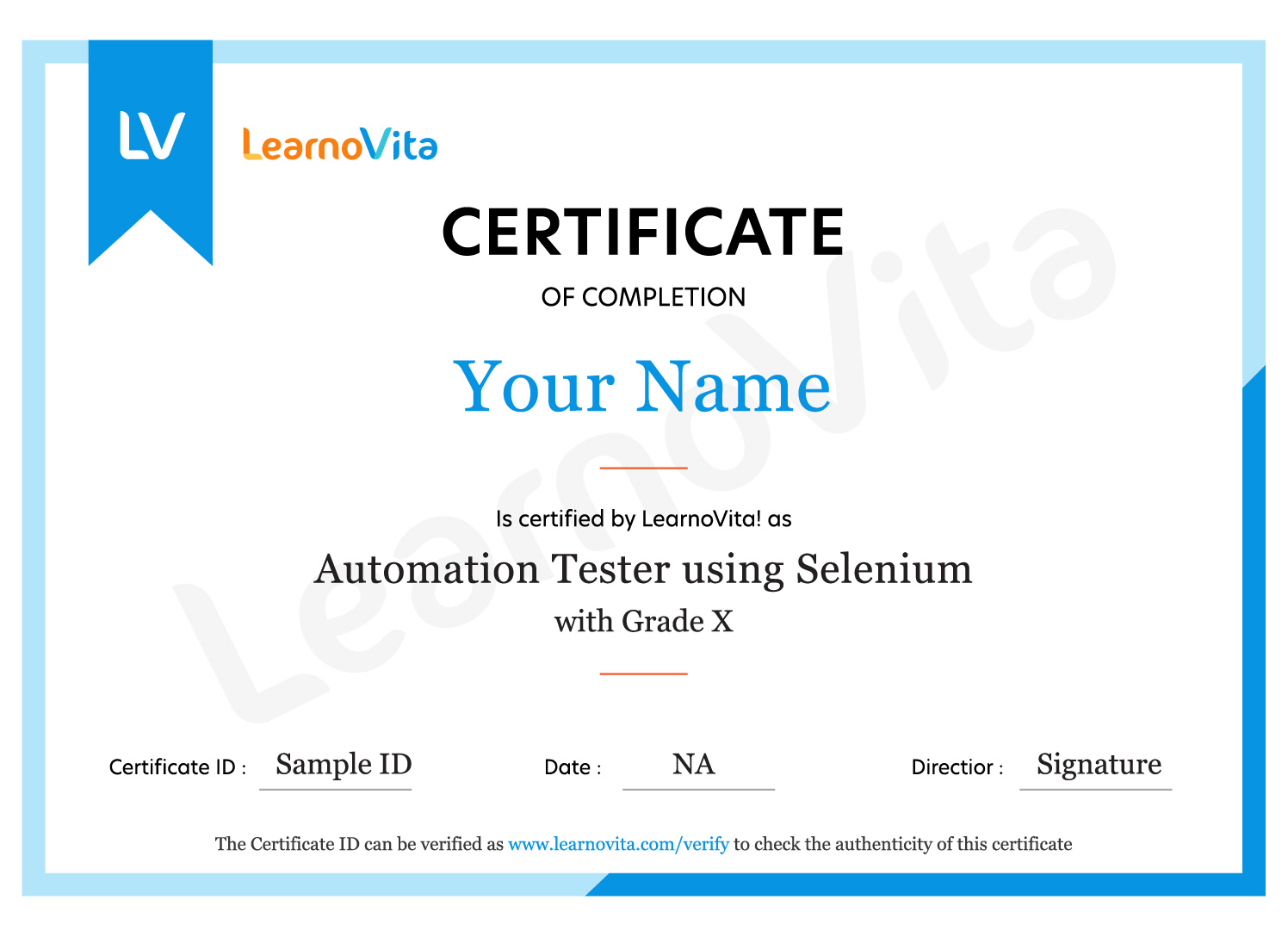
Exam & SharePoint Certification
- Basic Computer and IT Knowledge
- Familiarity with Web Technologies and Document Management
- Basic Knowledge of Microsoft 365 and Cloud Computing
- Interest in SharePoint and Workflow Automation
- Willingness to Practise SharePoint Administration
SharePoint training helps professionals develop practical knowledge of collaboration platforms, document management, site administration, and workflow automation. The curriculum covers important areas such as SharePoint Online, Microsoft 365, site creation, lists, libraries, permissions, content management, Power Automate integration, and SharePoint administration. These skills can support career opportunities in SharePoint development, Microsoft 365 administration, collaboration management, content management, and enterprise application support across different industries.
SharePoint Certification does not guarantee employment, but relevant training can demonstrate your understanding of SharePoint technologies and enterprise collaboration solutions. Developing skills in SharePoint Online, site administration, document libraries, permission management, workflow automation, and Microsoft 365 integration can help you prepare for related job opportunities. Practical assignments, site development exercises, real-time projects, and interview preparation can further strengthen your professional profile and career readiness.
After completing SharePoint training and developing relevant collaboration and administration skills, learners can explore career opportunities in roles such as:
- SharePoint Developer
- SharePoint Administrator
- Microsoft 365 Administrator
- SharePoint Consultant
- Collaboration Specialist
- Document Management Specialist
SharePoint Certification can help learners strengthen their understanding of enterprise collaboration, document management, SharePoint administration, and Microsoft 365 solutions. This knowledge helps professionals understand how organizations manage content, share documents, control access, automate business processes, and improve team collaboration. Combining structured learning with practical SharePoint Online usage, site development, list configuration, permission management, workflow automation, Power Platform integration, and real-time projects can help learners pursue career development in SharePoint development, Microsoft 365 administration, enterprise collaboration, and consulting.
MNC Recognized course
complete certification
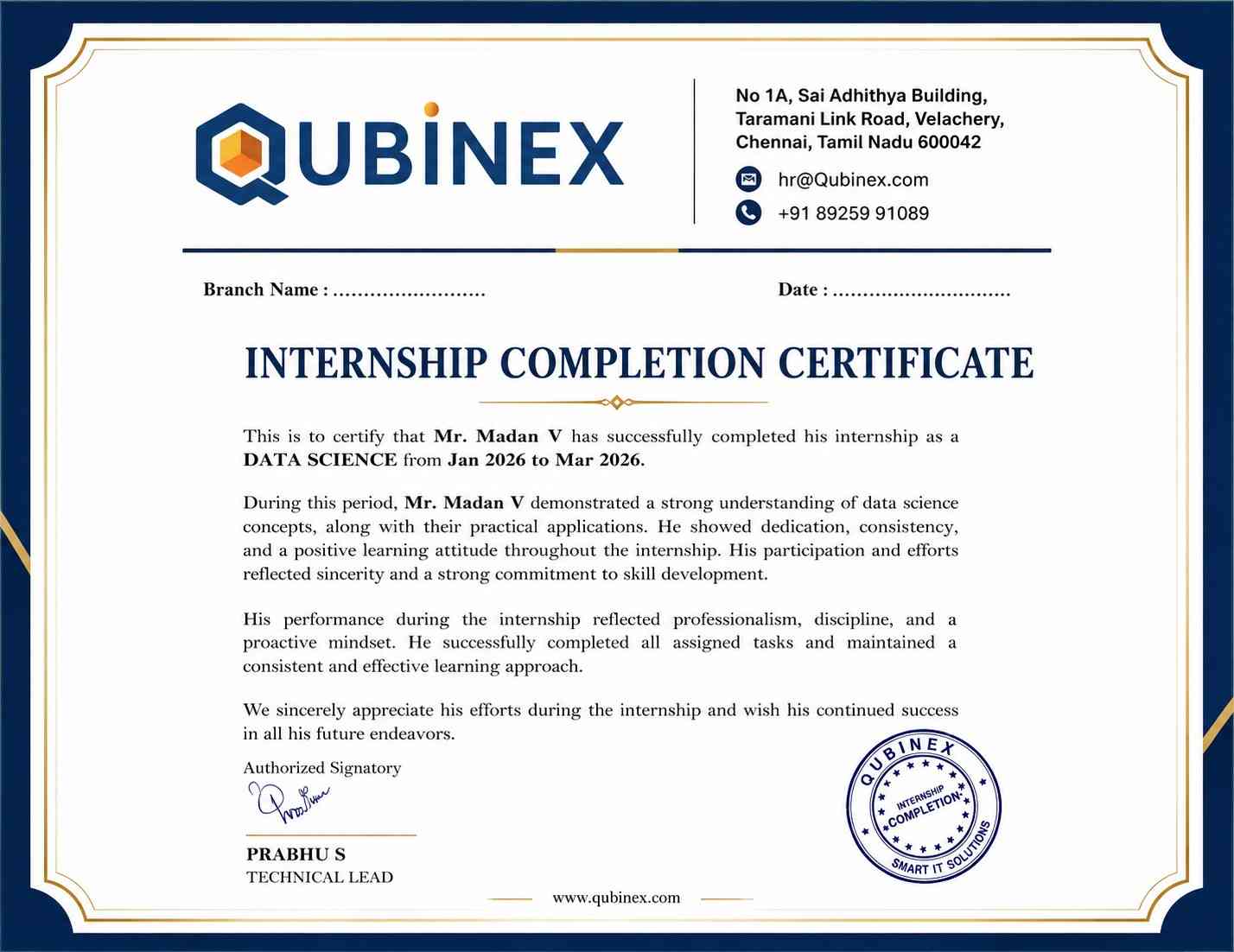
Intership
complete certification
Placement
complete certification
Our learners
transformed their careers

A majority of our alumni
fast-tracked into managerial careers.
Get inspired by their progress in the Career Growth Report.
Our Student Successful Story
 Regular 1:1 Mentorship From Industry Experts
Live Classes
Career Support

Sandeep Kumar D
Software Engineer, Cisco Systems )

Vinoth P
UI Developer, TCS
Vijeyalakshme kannan
QA Engineer, Amazon Development Center
Pranav Srinivas
Software Testing, Capgemini
Prasanna
SAP Admin, HCLHow are the SharePoint Course with LearnoVita Different?
Feature
LearnoVita
Other Institutes
Affordable Fees
Competitive Pricing With Flexible Payment Options.
Higher SharePoint Fees With Limited Payment Options.
Live Class From ( Industry Expert)
Well Experienced Trainer From a Relevant Field With Practical SharePoint Training
Theoretical Class With Limited Practical
Updated Syllabus
Updated and Industry-relevant SharePoint Course Curriculum With Hands-on Learning.
Outdated Curriculum With Limited Practical Training.
Hands-on projects
Real-world SharePoint Projects With Live Case Studies and Collaboration With Companies.
Basic Projects With Limited Real-world Application.
Certification
Industry-recognized SharePoint Certifications With Global Validity.
Basic SharePoint Certifications With Limited Recognition.
Placement Support
Strong Placement Support With Tie-ups With Top Companies and Strong Mock Interviews.
Basic Placement Support
Industry Partnerships
Strong Ties With Top Tech Companies for Internships and Placements
No Partnerships, Limited Opportunities
Batch Size
Small Batch Sizes for Personalized Attention.
Large Batch Sizes With Limited Individual Focus.
Additional Features
Lifetime Access to SharePoint Course Materials, Alumni Network, and Hackathons.
No Additional Features or Perks.
Training Support
Dedicated Mentors, 24/7 Doubt Resolution, and Personalized Guidance.
Limited Mentor Support and No After-hours Assistance.
SharePoint Course FAQ's
- LearnoVita is dedicated to assisting job seekers in seeking, connecting, and achieving success, while also ensuring employers are delighted with the ideal candidates.
- Upon successful completion of a career course with LearnoVita, you may qualify for job placement assistance. We offer 100% placement assistance and maintain strong relationships with over 650 top MNCs.
- Our Placement Cell aids students in securing interviews with major companies such as Oracle, HP, Wipro, Accenture, Google, IBM, Tech Mahindra, Amazon, CTS, TCS, HCL, Infosys, MindTree, and MPhasis, among others.
- LearnoVita has a legendary reputation for placing students, as evidenced by our Placed Students' List on our website. Last year alone, over 5400 students were placed in India and globally.
- We conduct development sessions, including mock interviews and presentation skills training, to prepare students for challenging interview situations with confidence. With an 85% placement record, our Placement Cell continues to support you until you secure a position with a better MNC.
- Please visit your student's portal for free access to job openings, study materials, videos, recorded sections, and top MNC interview questions.

- Build a Powerful Resume for Career Success
- Get Trainer Tips to Clear Interviews
- Practice with Experts: Mock Interviews for Success
- Crack Interviews & Land Your Dream Job
Global Quality Training
At The Lowest Fees & Expert Trainer








Need custom pricing?

